36
Setting the time and date
If the display shows an incorrect time or '--:--', the time and date must be reset manually.
If a TV channel which transmits TXT/PDC (teletext/PDC) is stored under programme number
'P01', the time and date will automatically be taken from the TXT/PDC information.
Warning!
If data from the GUIDE Plus+
®
system is already available, the date/time will be controlled by the
GUIDE Plus+
®
system. 'Off' will then appear in line 'Clock preset'.
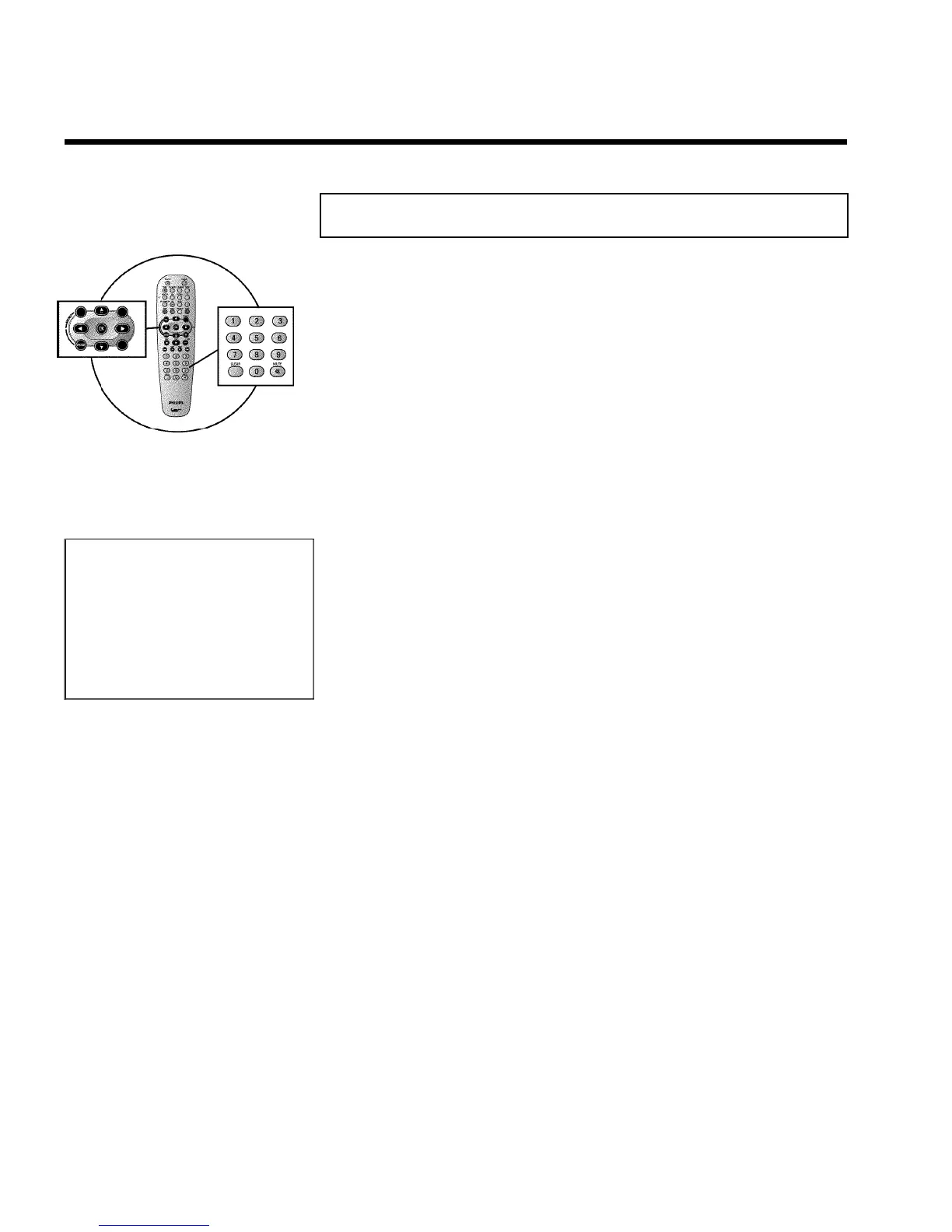
1 Press SYSTEM-MENU on the remote control. The menu bar
appears.
2 Select '
A
' symbol with D or C .
3 Select 'Installation' using P- B or P+ A and confirm with C .
4 Select 'Time/Date' using P- B or P+ A and confirm with C .
Installation
Time/Date
Time 20:00
Year 2003
Month 01
Date 01
Clock preset 01
To exit press
SYSTEM MENU
5 Check if the time in 'Time' is correct. If required, change the time
with the number buttons 0..9 on your remote control.
6 Check 'Year', 'Month' and 'Date' in the same way. To move between
the fields, use P- B or P+ A .
7 Check the displayed settings and confirm with OK .
'Stored' will appear briefly on the screen.
8 To end, press SYSTEM-MENU .
Installing your DVD recorder



 To Next Page