Restart your computer.
Starten Sie Ihren
Computer neu.
Allumez l’ordinateur.
Riavviare il computer.
Start uw computer
opnieuw op.
Reinicie el ordenador.
14
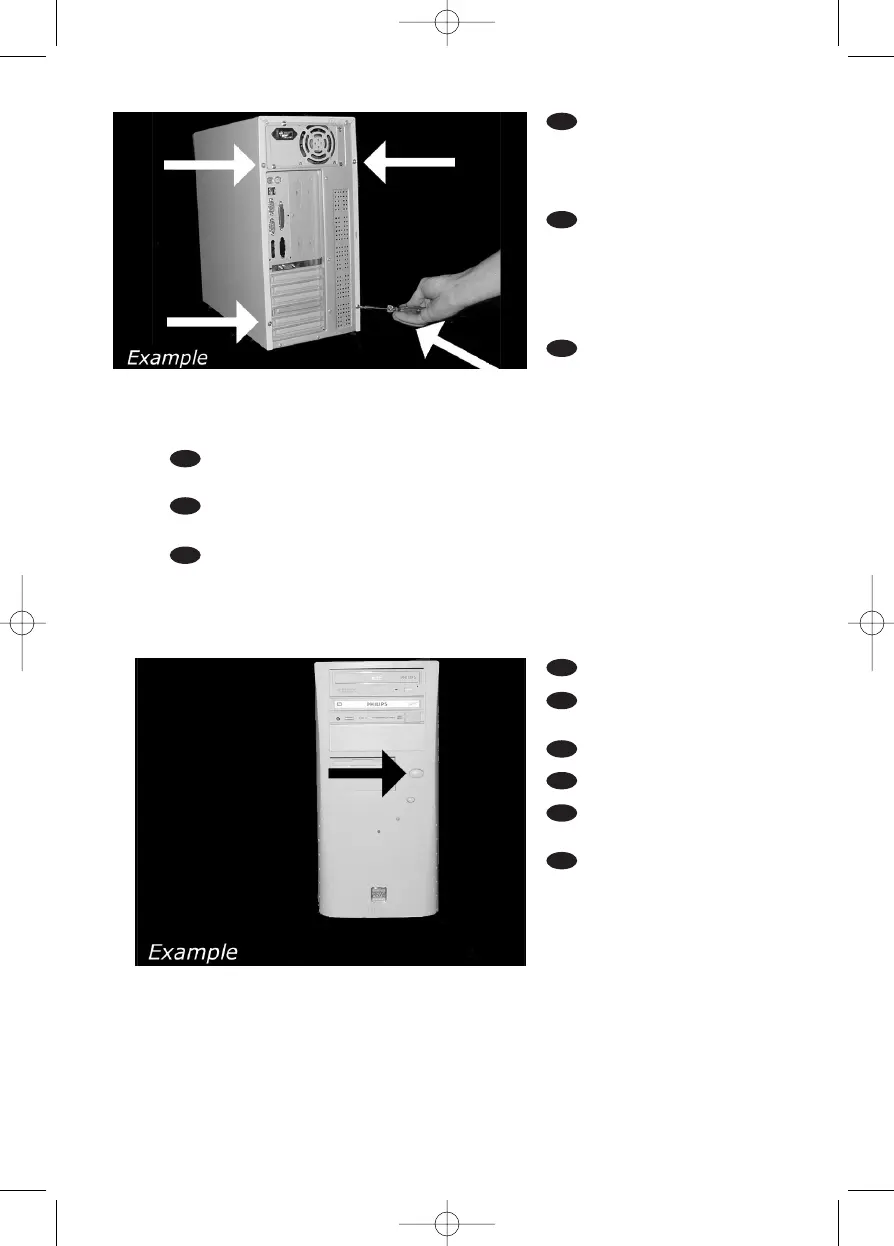
Put the screws (if there
were any) back in. Plug the
power cable back in. If you
disconnected other cables,
put these back in too.
Drehen Sie die Schrau-
ben (wenn da welche waren)
wieder ein. Stecken Sie das
Netzkabel wieder ein.Wenn
Sie weitere Kabel abgezogen
haben, stecken Sie diese
ebenfalls wieder ein.
Resserrez la ou les vis,
le cas échéant. Rebranchez le
cordon d’alimentation. Si vous
avez débranché d’autres
câbles,rebranchez-les égale-
ment.
Riavvitare le viti (se c'erano) al loro posto.Riconnettere il cavo di alimentazione.
Se sono stati staccati anche altri cavi, riconnetterli.
Draai (zo nodig) de schroeven weer vast.Sluit de netstekker weer aan.
Sluit ook de overige kabels weer aan, als u die had losgemaakt.
Ponga los tornillos (si los tenía puestos) nuevamente en su lugar. Vuelva a conectar
el cable de alimentación.Si ha desconectado otros cables, vuélvalos a conectar en su lugar.
18
17
UK
D
F
I
NL
E
UK
D
F
I
NL
E


 To Next Page
 Loading...