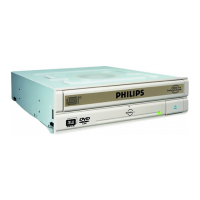
Choose "Install Suite".
Wählen Sie "Install Suite".
auf dem Bildschirm.
Choisissez "Install Suite".
Selezionare "Install Suite".
Selecteer "Install Suite".
Elija "Install Suite".
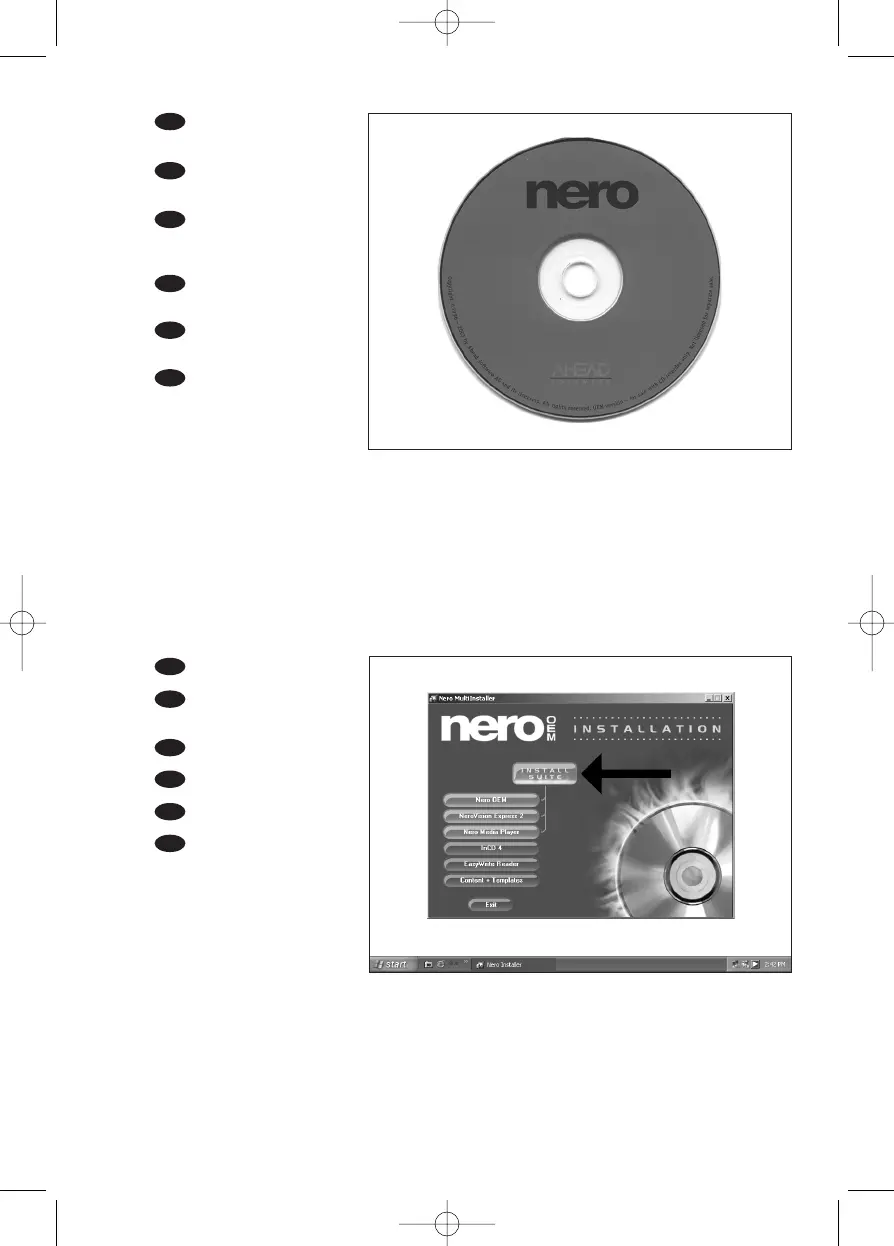
Insert the Nero disc
when Windows is loaded.
Legen Sie die Nero CD
ein, wenn Windows geladen ist.
Insérez le disque Nero
une fois que Windows a démar-
ré.
Inserire il disco Nero do-
po il caricamento di Windows.
Plaats de Nero-disc nadat
Windows is gestart.
Coloque el disco de Ne-
ro cuando se inicie Windows.
UK
D
I
NL
E
UK
D
F
I
NL
E
20
19
15
F



 To Next Page