English
19
Disc Operations
Basic playback controls
Unless otherwise stated, all operations
described are based on Remote Control
use.
Pausing playback
1 During playback, press PLAY/PAUSE 2;
to pause playback and display a still
picture.
➜ Sound will be muted.
2 Press 4 to select the next picture frame.
3 To resume normal playback, press
PLAY/PAUSE 2; again.
Selecting title/chapter/track/angle
● Press PREV ¡ / NEXT ™ to go to the
previous or next track/chapter.
● In STOP mode, press DISPLAY to
display the disc information text line for
title/chapter/track/angle.
● Use alphanumeric keypad (0-9) to
enter valid title/chapter/track/angle
number, then press OK.
➜ The playback skips to the selected
title/chapter/track/angle.
Stopping playback
● Press STOPÇ.
Helpful hints:
– Screen saver will start automatically if
the disc playback is stopped/paused for 5
minutes.
– The player will automatically switch to
Power Standby mode if you do not press any
buttons for 15 minutes after the disc has
stopped playing.
Playing discs
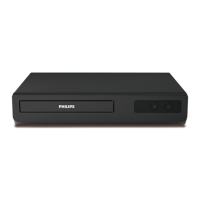
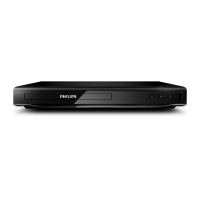
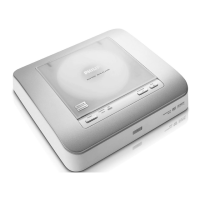
1 Connect the power cords of the DVD
Player and TV (and any optional stereo or
AV receiver) to a power outlet.
2 Turn on the TV power and set to the
correct Video In channel. (See page 14
“Setting up the TV”).
3 Press POWER button to turn on the
DVD player front panel.
➜ The DVD background screen appears
on the TV.
4 Press OPEN/CLOSE button to open the
top leader and load in a disc, then press
the same button again to close the disc
tray.
● Make sure the label side is facing up.
For double-sided discs, load the side you
want to play facing up.
5 Playback will start automatically. If not
press PLAY/PAUSE 2; .
➜ If a disc menu appears on the TV, see
page 21“Using the Disc Menu”.
➜ If the disc is locked by parental control,
you must enter your six-digit password.
(See page 31).
● For more playback features, see pages 20-
24.
TIPS:
The operating features described here might not be possible for certain discs. Always refer
to the instructions supplied with the discs.
01-35_DVP4050_55_Eng2 23/01/06, 3:58 PM19


 To Next Page