14
a I don't know the channels for my TV stations
b In this case, press SqP in line 'CHANNEL NUMBER' to start the
automatic channel search. A changing channel number will appear on the
TV screen.
Continue the automatic search until you have found the desired TV
channel.
What is NICAM?
NICAM is a digital sound transmission system. Using NICAM, you can
transmit either 1 stereo channel or 2 separate mono channels. However, if
you experience poor reception resulting in sound disruptions, you can turn off
NICAM.
In line 'NICAM', select 'OFF' using QSr or SqP .
8 Save the TV channel with OK .'STORED' will briefly appear on the
TV screen.
9 To search for other TV channels, begin again at step
3 .
0 To end, press MENU .
Using the satellite receiver
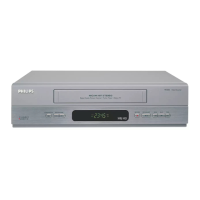
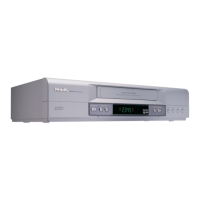
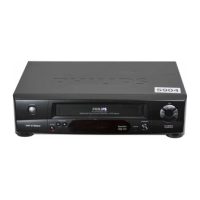
TV channels from a satellite receiver (connected to the scart socket EXT.2 AV. 2 ) are
received on the video recorder on programme number 'E2'.
To do this, select programme number 'E1' with 0 on the remote control and then select
programme number 'E2' with P =r .
You should select the TV channels to be received by the satellite receiver directly on the
receiver itself.
Installing your video recording



 To Next Page