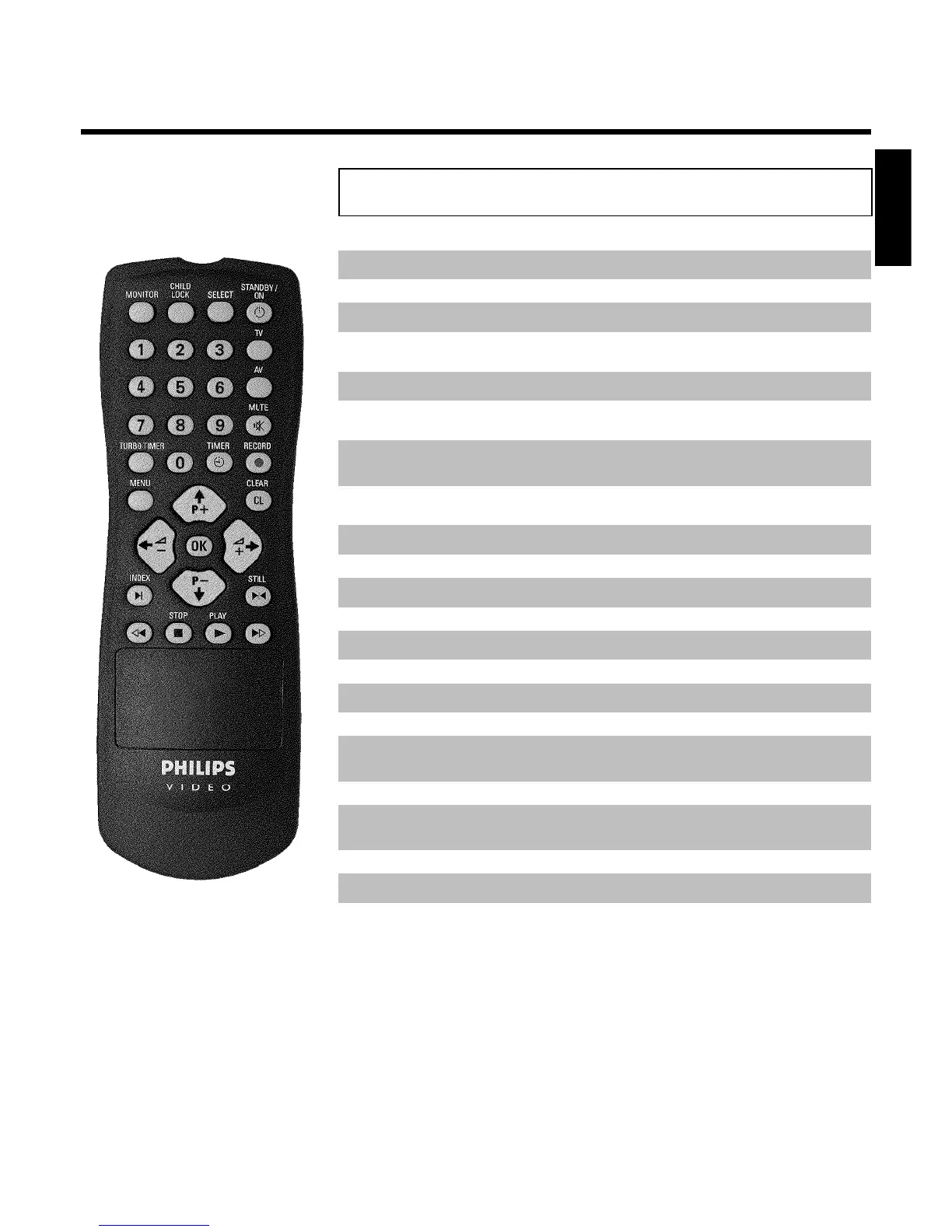
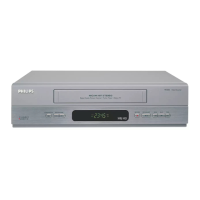
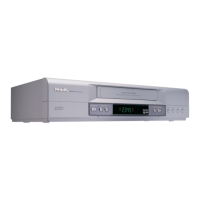
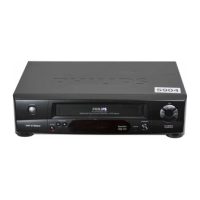
The remote control
MONITOR TV monitor: To switch between TV reception and VCR playback
CHILD LOCK Child lock: To switch child lock on/off
SELECT Select: Selecting functions
STANDBY/ON m Switch on or off: To switch set on or off, interrupt menu function,
interrupt a programmed recording (TIMER)
0-9 Number buttons:0-9
TV To call up additional TV functions: Additional TV functions for TV
sets with the same remote control code (RC5)
TURBO TIMER TurboTimer: To programme a recording with the function Turbo
Timer
TIMER k TIMER: To make a TIMER programming with VIDEO Plus+ or to alter
or clear a programmed TIMER
RECORD n Record: To record the TV channel selected at this moment
MENU Menu: To call up or end main menu
CLEAR (CL) Delete: To delete last entry/Clear programmed recording (TIMER)
P ;q Select: To select the next line or programme number
P =r Select: To select the previous line or programme number
QSr Select: Cursor left
SqP Select: Cursor right
OK Store/Confirm: To store or confirm entry
INDEX E Index search: In combination with H / I : to search for previous
or next recording on the cassette
STILL R Still picture: To stop the tape and show a still picture
H Rewind: During STOP and STANDBY: rewind, during PLAYBACK:
reverse scanning
STOP h Pause/Stop: To stop the tape, except during TIMER-recording
PLAY G Playback: To play a cassette
I Forward wind: During STOP and STANDBY: forward wind, during
PLAYBACK: forward scanning
ENGLISH



 To Next Page