26
GManual recording
General information
Use 'Manual Recording' to make a spontaneous recording (for example, a programme currently
being shown).
If you want to start and stop a recording manually, read the section 'Recording without
automatic switchoff'.
If you want to start a recording manually but have it stopped automatically, read the section
'Recording with automatic switchoff'. (e.g. not to record to the end of the tape)
Read the section 'Automatic recording from a satellite receiver', if you want a recording
to be controlled automatically by a satellite receiver.
Recording without automatic switchoff
1 Insert a cassette.
BBC1
2 Use P ;q or P =r to select the programme number you want to
record, for example, 'P01'. This will appear on the display:
Station name
If a TV station transmits a station name, it will be shown in the display.
Programme numbers 'E1''E2'
This programme number is provided for recording from external sources (via
the scart socket EXT.1 AV. 1 , EXT.2 AV. 2 ).
BBC1
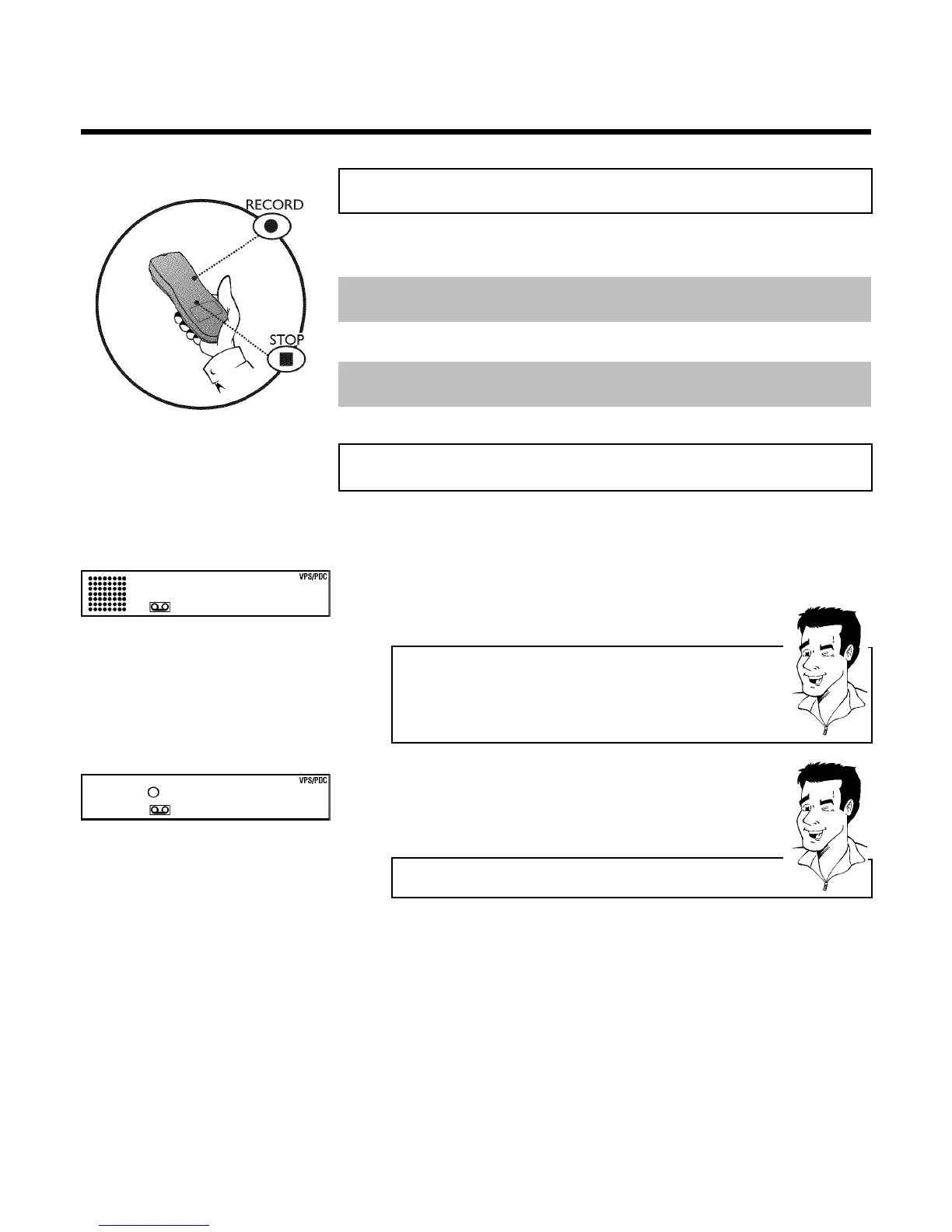
3 To start recording, press RECORD n on the remote control or
RECORD n on the video recorder. This will, for example, appear in
the display:
Displaying tape position
Using OK you can show the tape position in the display.
4 Stop recording with STOP h .
Manual recording



 To Next Page