29
Automatic controlled recording from a
satellite receiver (RECORD LINK)
This function automatically starts recording on the switched-off video recorder when a video
signal is recognised through the connected scart cable. If your satellite receiver has a
programming function, the recording will start automatically (as long as the satellite receiver is
switched on).
1 Switch on the TV set. If required, select the programme number for
the video recorder.
2 Press MENU on the remote control. The main menu will appear.
3 Select line 'SPECIAL SETTINGS' using P =r or P ;q and confirm
with OK .
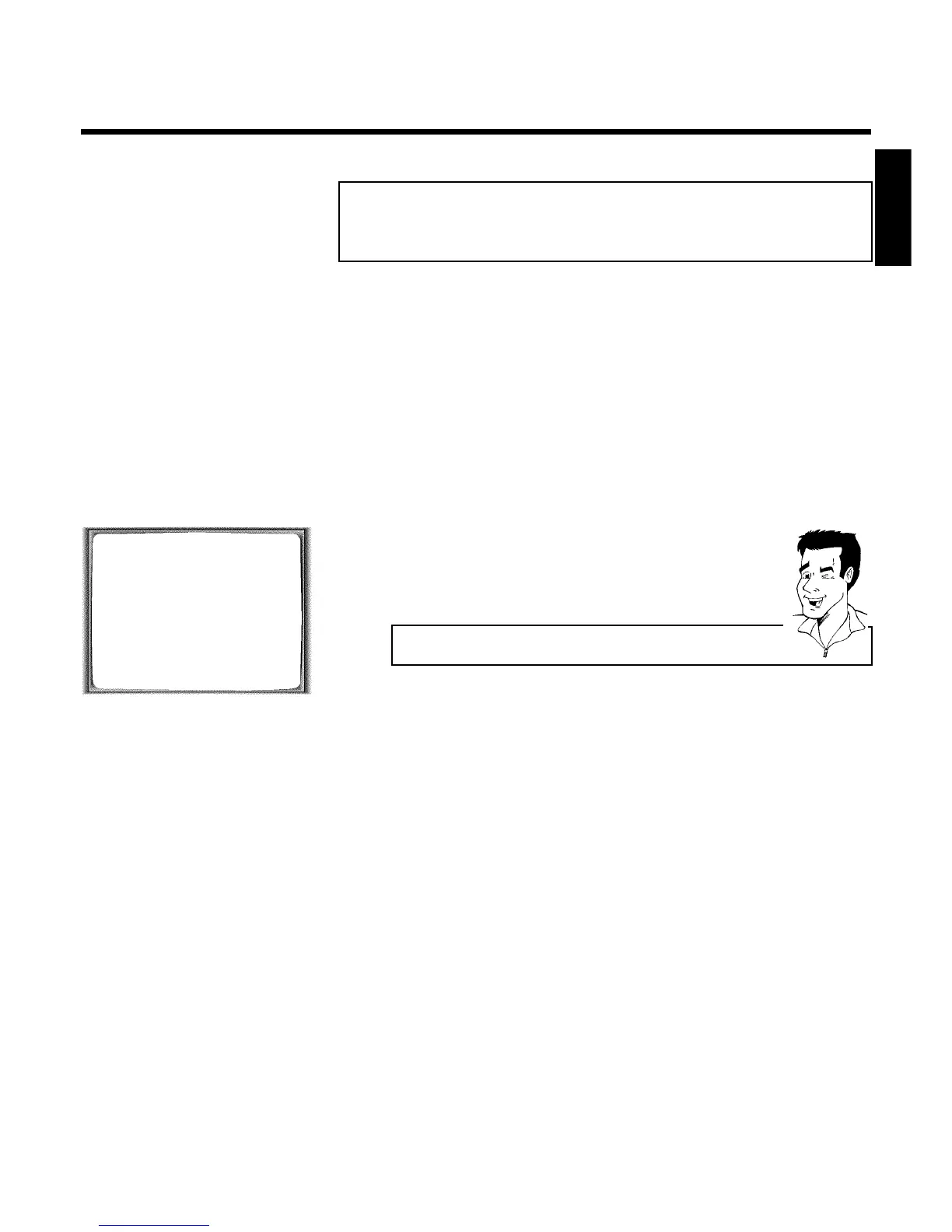
SPECIAL SETTINGS
OSD è ON p
CLOCK DISPLAY OFF
RECORD LINK OFF
REPEAT PLAY OFF
________________________________
EXITpMENU STOREpOK
4 Select line 'RECORD LINK' using P =r or P ;q .
5 Select function 'ON' with QSr or SqP .
Switching off 'Record Link'
To switch off the function, select 'OFF'.
6 Confirm with OK .
7 To end, press MENU .
8 Insert a cassette.
9 Use a scart cable to connect scart socket EXT.2 AV. 2 on the video
recorder to the corresponding scart socket on the satellite receiver.
0 Programme the satellite receiver with the required information
(programme number of the TV channel, start time, end time).
If necessary, please see the operating instructions for your satellite
receiver.
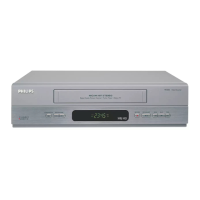
A Switch off the video recorder with STANDBY/ON m .
The video recorder is now ready to record. The beginning and end of the recording is
controlled via scart socket EXT.2 AV. 2 .
When this function is switched on, ' x ' will appear on the video recorder display.
ENGLISH
Manual recording



 To Next Page