41
Switch off the clock display
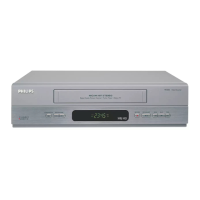
To save energy, you can switch off the clock display on the video recorder. Programmed
(TIMER) recordings will still take place.
1 Switch on the TV set. If required, select the programme number for
the video recorder.
2 Press MENU on the remote control. The main menu will appear.
3 Select the line 'SPECIAL SETTINGS' with P =r or P ;q and
confirm with OK .
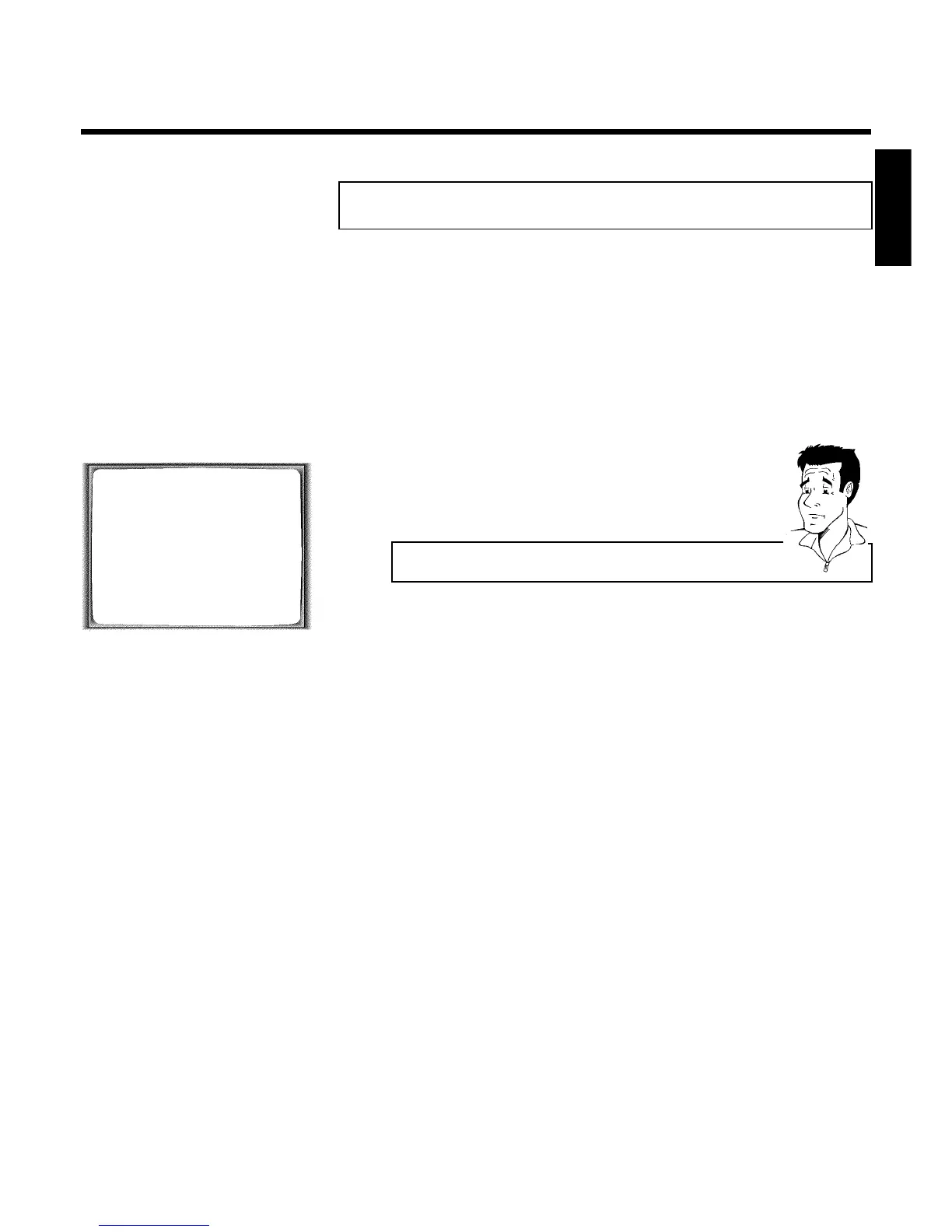
SPECIAL SETTINGS
OSD è ON p
CLOCK DISPLAY OFF
RECORD LINK OFF
REPEAT PLAY OFF
________________________________
EXITpMENU STOREpOK
4 To switch off the time display on the video recorder, select in the line
'CLOCK DISPLAY' with SqP 'OFF'.
How can I switch on the clock display?
Select with QSr 'ON' (time display switched on).
5 Confirm with OK .
'STORED' will briefly appear on the TV screen.
6 To end, press MENU .
ENGLISH
Other functions



 To Next Page