(2) Manual Override
To keep the lights on regardless of the motion, you can
override the automatic operation. To enable Manual
Override mode, first ensure that the lights are on and
then turn the wall switch off and on twice (off-on, off-on)
within 3 seconds. The interval between the first and
second operation must be within 0.5 - 2 seconds.
In Manual Override mode, the lights will remain on for
around 5 hours. After 5 hours the lights will turn off and
the motion sensor will revert to Automatic Operation.
Users can also manually set the motion sensor back to
Automatic Operation by: 1) turning the wall switch off and
on twice within 3 seconds; or 2) turning off the wall switch
for at least 10 seconds and then turning it back on.
Light does not turn on
Confirm that you have made a correct “wiring
connection”.
Ensure that the load is within normal range.
Change the load if necessary.
Adjust the LUX control knob by turning it
counterclockwise.
Light remains on
Make sure the wiring connection is correct.
Adjust the TIME control knob by turning it
counterclockwise.
Make sure that the unit is not in Manual Override
mode.
Others
The specification of protective shield shall consult
to local service agent.
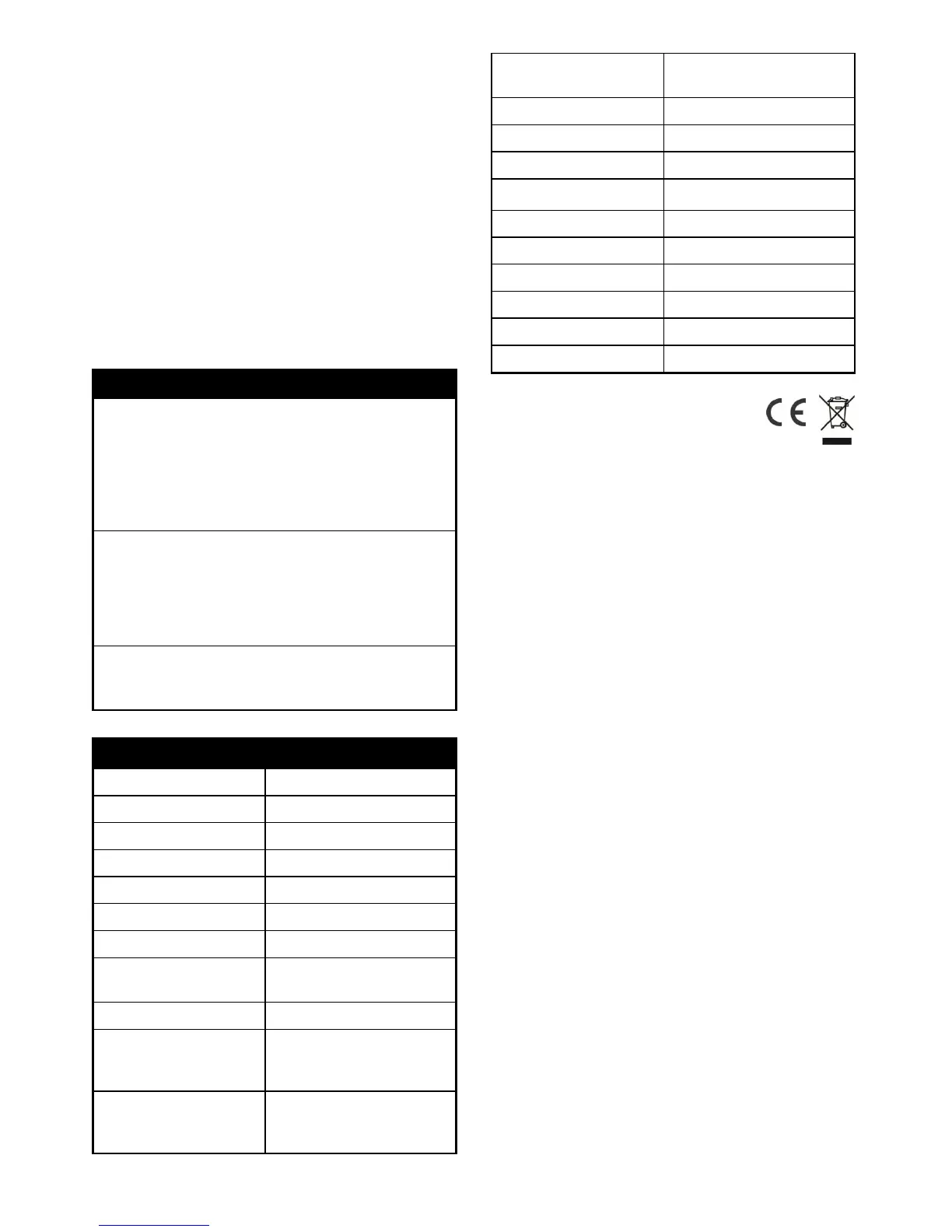
Up to 12m (39.4ft) at 2m
Height
Up to 90° Leftward
Up to 90° Rightward
Up to 30° Downward
Up to 45
o
Leftward
Up to 45° Rightward
Up to 37.5° Downward
Recommended 2.5m (8.2ft)
Wall Mount
*Specifications are subject to change without notice.
A501112090R
Warning:
Do not dispose of electrical appliances as unsorted
municipal waste, use separate collection facilities.
Contact your local government for information regarding
the collection systems available.
If electrical appliances are disposed of in landfills or
dumps, hazardous substances can leak into the
groundwater and get into the food chain, damaging your
health and well-being.


 To Previous Page
 Loading...