EasyManua.ls Logo

Philips Explorer VKR6847 - Important Safety Information; Safety: Do Not Remove Outer Cover; Battery Warnings; Lithium Battery Warnings

Philips Explorer VKR6847
30 pages
Print Icon
To Next Page IconTo Next Page
To Previous Page IconTo Previous Page
Loading...
Important
Cautions
FOR
YOUR
SAFETY
DO
NOT
REMOVE
THE
OUTER
COVER
To
prevent
electric
shock,
do
not
remove
the
cover.
No
user
serviceable
parts
inside.
Refer
servicing
to
qualified
service
personnel.
TO
REDUCE
THE
RISK
OF
FIRE
OR
SHOCK
HAZARD,
DO
NOT
EXPOSE
THIS
EQUIPMENT
TO
RAIN
OR
MOISTURE.
WARNING
ON
BATTERY
Danger
of
explosion
if
battery
is
incorrectly
replaced.
Replace
only
with
the
same
or
equivalent
type
recommended
by
the
equipment
manufacturer.
Discard
used
batteries
according
to
manufacturer’s
instructions.
WARNING
ON
LITHIUM
BATTERY
The
battery
used
in
this
device
may
present
a
fire
or
chemical
burn
hazard
if
mistreated.
Do
not
recharge,
disassemble,
heat
above
100*C
or
incinerate.
Replace
battery
with
CR2032,
use
of
another
battery
may
present
a
risk
of
fire
or
explosion.
Dispose
of
used
battery
promptly.
Keep
away
from
children.
Do
not
disassemble
and
do
not
dispose
of
in
fire.
CAMCORDER
The
rating
plate
is
on
the
bottom
side
of
the
Camcorder.
AC
adaptor
The
rating
plate
is
on
the
bottom
side
of
the
unit.
This
model
conforms
to
the
EC
directive
(for
radio
interference)
87/308/EEC.
IMPORTANT
(In
the
United
Kingdom)
Mains
Supply
(240
V,
50
Hz
only)
Do
not
make
any
connection
to
the
larger
terminal
coded
E
or
Green.
The
wires
in
the
mains
lead
are
coloured
in
accordance
with
following
code:
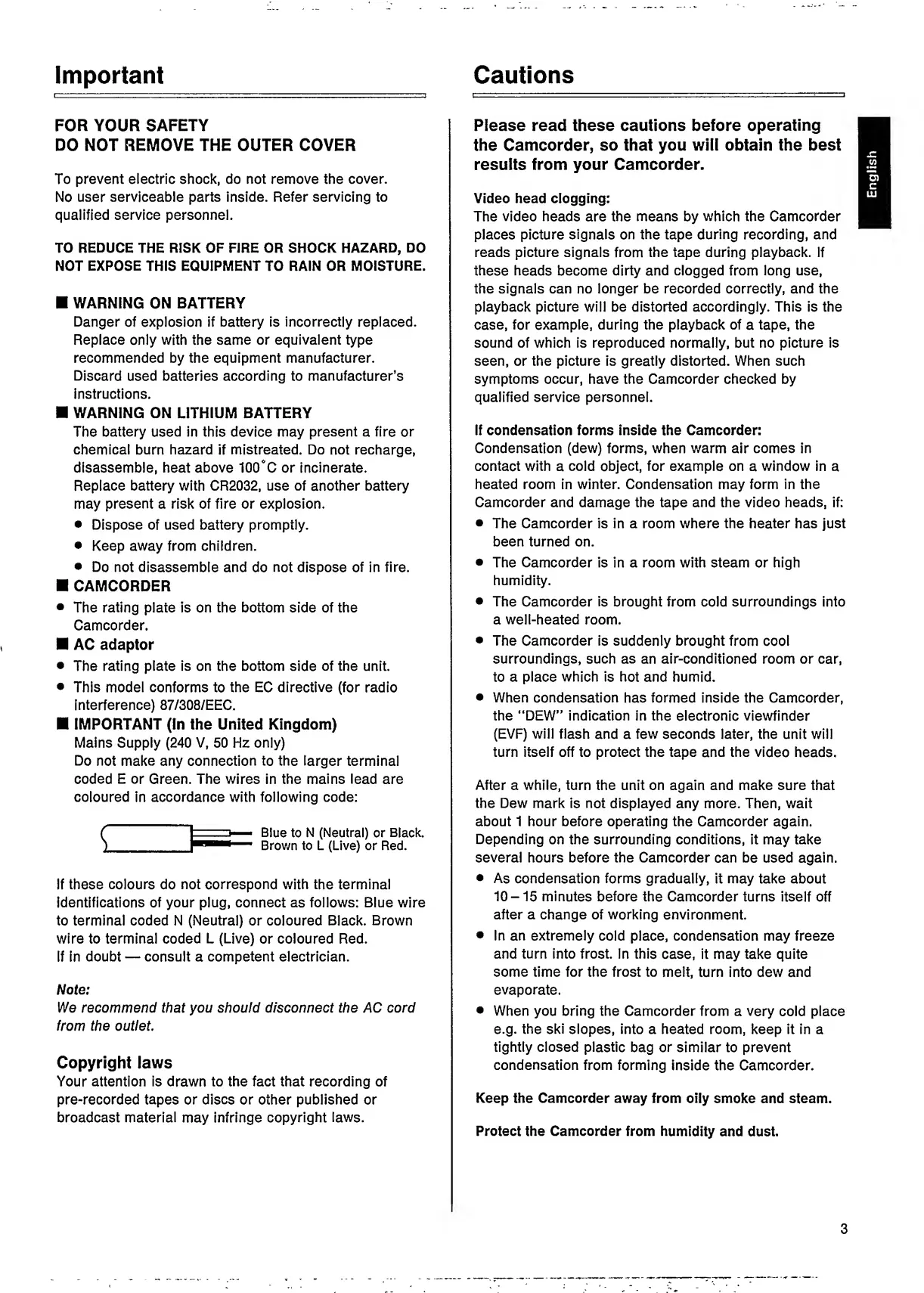
Blue
to
N
(Neutral)
or
Black.
Brown
to
L
(Live)
or
Red.
If
these
colours
do
not
correspond
with
the
terminal
identifications
of
your
plug,
connect
as
follows:
Blue
wire
to
terminal
coded
N
(Neutral)
or
coloured
Black.
Brown
wire
to
terminal
coded
L
(Live)
or
coloured
Red.
If
in
doubt
consult
a
competent
electrician.
Note:
We
recommend
that
you
should
disconnect
the
AC
cord
from
the
outlet
Copyright
laws
Your
attention
is
drawn
to
the
fact
that
recording
of
pre-recorded
tapes
or
discs
or
other
published
or
broadcast
material
may
infringe
copyright
laws.
Please
read
these
cautions
before
operating
the
Camcorder,
so
that
you
will
obtain
the
best
results
from
your
Camcorder.
Video
head
clogging:
The
video
heads
are
the
means
by
which
the
Camcorder
places
picture
signals
on
the
tape
during
recording,
and
reads
picture
signals
from
the
tape
during
playback.
If
these
heads
become
dirty
and
clogged
from
long
use,
the
signals
can
no
longer
be
recorded
correctly,
and
the
playback
picture
will
be
distorted
accordingly.
This
is
the
case,
for
example,
during
the
playback
of
a
tape,
the
sound
of
which
is
reproduced
normally,
but
no
picture
is
seen,
or
the
picture
is
greatly
distorted.
When
such
symptoms
occur,
have
the
Camcorder
checked
by
qualified
service
personnel.
If
condensation
forms
inside
the
Camcorder:
Condensation
(dew)
forms,
when
warm
air
comes
in
contact
with
a
cold
object,
for
example
on
a
window
in
a
heated
room
in
winter.
Condensation
may
form
in
the
Camcorder
and
damage
the
tape
and
the
video
heads,
if:
The
Camcorder
is
in
a
room
where
the
heater
has
just
been
turned
on.
The
Camcorder
is
in
a
room
with
steam
or
high
humidity.
The
Camcorder
is
brought
from
cold
surroundings
into
a
well-heated
room.
The
Camcorder
is
suddenly
brought
from
cool
surroundings,
such
as
an
air-conditioned
room
or
car,
to
a
place
which
is
hot
and
humid.
When
condensation
has
formed
inside
the
Camcorder,
the
“DEW”
indication
in
the
electronic
viewfinder
(EVF)
will
flash
and
a
few
seconds
later,
the
unit
will
turn
itself
off
to
protect
the
tape
and
the
video
heads.
After
a
while,
turn
the
unit
on
again
and
make
sure
that
the
Dew
mark
is
not
displayed
any
more.
Then,
wait
about
1
hour
before
operating
the
Camcorder
again.
Depending
on
the
surrounding
conditions,
it
may
take
several
hours
before
the
Camcorder
can
be
used
again.
As
condensation
forms
gradually,
it
may
take
about
10
-15
minutes
before
the
Camcorder
turns
itself
off
after
a
change
of
working
environment.
In
an
extremely
cold
place,
condensation
may
freeze
and
turn
into
frost.
In
this
case,
it
may
take
quite
some
time
for
the
frost
to
melt,
turn
into
dew
and
evaporate.
When
you
bring
the
Camcorder
from
a
very
cold
place
e.g.
the
ski
slopes,
into
a
heated
room,
keep
it
in
a
tightly
closed
plastic
bag
or
similar
to
prevent
condensation
from
forming
inside
the
Camcorder.
Keep
the
Camcorder
away
from
oily
smoke
and
steam.
Protect
the
Camcorder
from
humidity
and
dust.
3
English