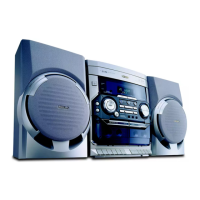
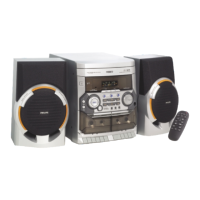
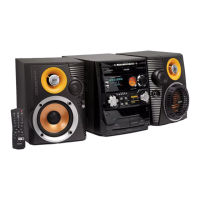
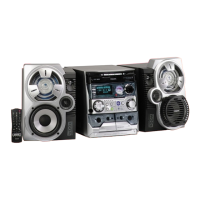
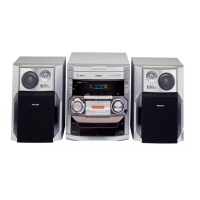
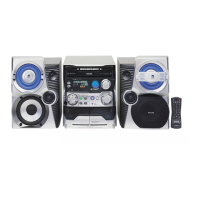
Controls
Controls on the system and
remote control
1
STANDBY ON y
–to switch the system on or to standby mode.
2
TUNER (BAND)
–to select waveband : FM or MW.
TAPE (TAPE 1•2)
–to select tape mode.
3
ECO POWER
–to switch the system on or to Eco Power
standby mode.
4
CD 1/ CD 2/ CD 3 (CD 1/2/3)
–to select disc tray 1, 2 or 3.
5
DSC (DIGITAL SOUND CONTROL)
–to select the desired sound effect :
JAZZ, ROCK, TECHNO or OPTIMAL.
6
OPEN/CLOSE
– to open or close the disc tray.
7
DISC CHANGE
– to change disc(s).
8
DBB (DYNAMIC BASS BOOST)
– to select the desired bass boost level.
9
PROGRAM
for CD ................. to programme disc tracks.
for Tuner ............. to programme preset radio
stations.
for Clock ............ to select 12- or 24-hour clock
mode.
for Timer ............. to select CD programme mode
as the wake up source.
0
Ta pe deck 1 operation
â .......................... to start recording.
É .......................... to start playback.
à / á ............... to rewind or fast forward.
70 ........................ to stop playback/recording or to
open the tape door.
Å .......................... to interrupt playback or
recording.
!
Ta pe deck 2 operation
É .......................... to start playback.
à / á ............... to rewind or fast forward.
70 ........................ to stop playback or to open the
tape door.
Å .......................... to interrupt playback.
@
CLOCK•TIMER
–to view the clock, set the clock or set the timer.
#
DIM MODE (DIM)
–to select different brightness for the display
screen : DIM 1, DIM 2, DIM 3 or DIM OFF.
$
n
–to connect headphones.
%
MASTER VOLUME (VOL +/-)
–to increase or decrease the volume.
^
Mode Selection
PLAY•PAUSE ÉÅ
for CD ................. to star t or interrupt playback.
for Plug & Play…(on the system only) to initiate
and start plug & play mode.
SEARCH•TUNING àá
for CD ................. to search backward/forward.
for Tuner ............. to tune to a lower or higher
radio frequency.
for Clock ............ (on the system only) to set the
hour.
STOP•CLEAR / DEMO STOP Ç
for CD ................. to stop playback or to clear a
programme.
for Tuner ............. (on the system only) to stop
programming or to erase a
selected preset.
for Demo ........... (on the system only) to activate/
deactivate the demonstration.
for Clock ............ (on the system only) to exit clock
setting or cancel timer.
for Plug & Play…(on the system only) to exit plug
& play mode.



 To Next Page