24
English
Setting the timer
The system can switch on to CD, TUNER or
TAPE mode automatically at a preset time,
serving as an alarm to wake you up.
IMPORTANT!
– Before setting the timer, ensure that
the clock is set correctly.
– The volume of the timer will increase
gradually to the last tuned volume level.
If the last tuned volume level is too low,
the set will then increase to a
predetermined minimum audible level.
(CD / TUNER / TAPE1/2)
52
2
4
4
3
1
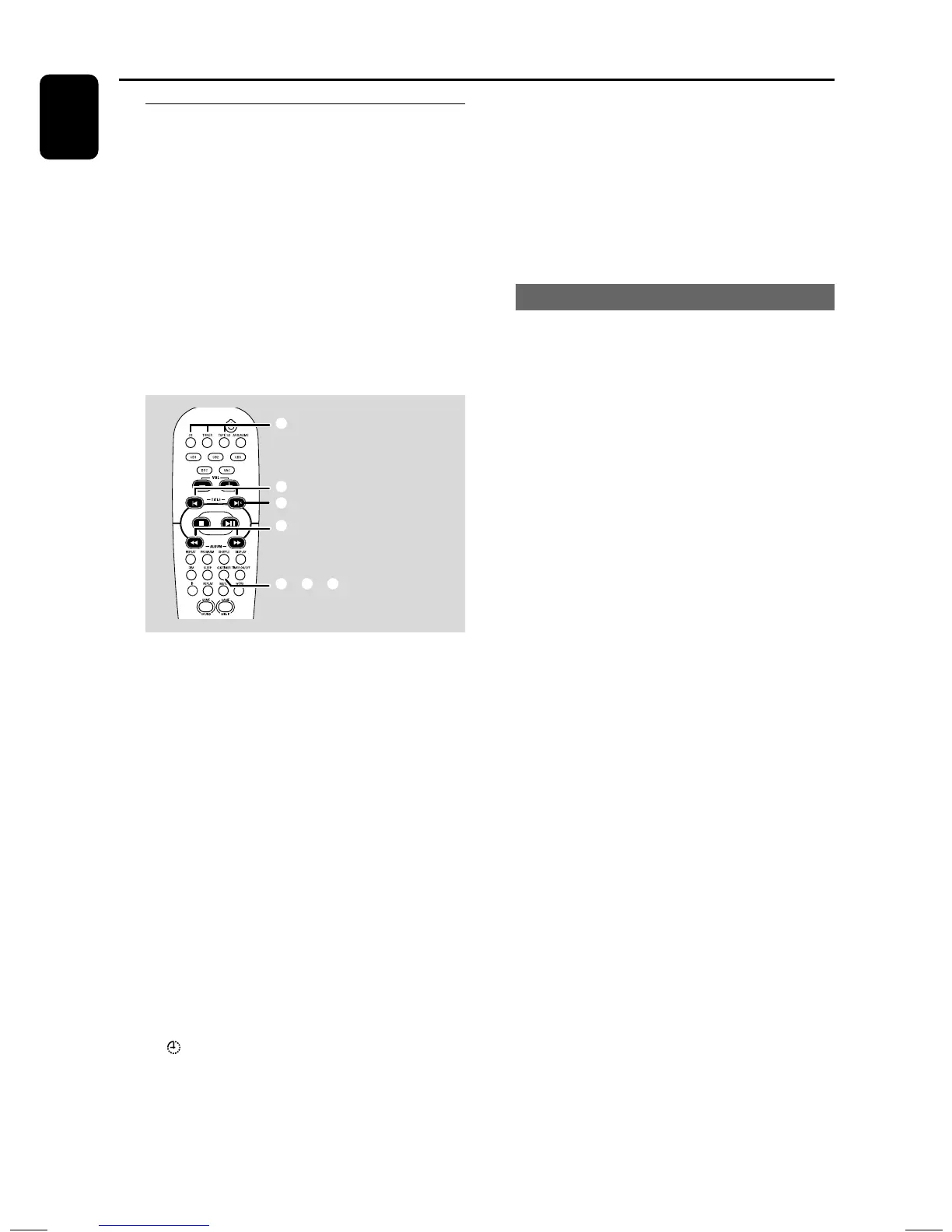
1 Press and hold CLK/TIMER (or
CLOCK•TIMER on main unit) until “SELECT
CLOCK OR TIMER” is displayed.
2 Press + (or ë on the remote control) to
change the display to “TIMER” and press CLK/
TIMER again to confirm.
3 Press CD, TUNER or TAPE1/2 to select the
wake-up source.
CD ™ “CD XX:XX”
TUNER ™ “ TU XX:XX”
TAPE ™ “TA XX:XX”
4 Press 1 / ¡ (for hours) and – or + (or í/
ë on the remote control) (for minutes)
repeatedly to set the wake-up time.
5 Press CLK/TIMER to store the setting.
➜ The timer will always be switched on once it
has been set.
➜ icon remains on the display. It indicates the
timer is activated.
● At the preset time, the selected sound
source will be played for 30 minutes
before it switches to standby mode (if no
button is pressed within the time frame).
➜ CD – playing the first track of the disc. If the
disc tray is empty, it will switch to Tuner mode.
➜ TUNER – playing the last tuned radio station.
➜ TAPE – playing the tape.
Activating/deactivating the timer
● Press TIMER ON/OFF on the remote control
to turn off the timer or turn on to the last
setting again.
➜ If activated, the timer information will display
for a few seconds, then the system resumes to
the last active source or stays in standby mode.
➜ If deactivated, “CANCEL” is displayed.
Note:
– The system will exit timer setting mode if no
button is pressed within 90 seconds.
Timer Operations


 To Next Page