2 Put the mains plug in an earthed wall socket.
3 When the temperature light has gone out, wait a while before
you start ironing.
B
The temperature light will go on from time to time during ironing.
Using the appliance
Steam ironing
Make sure that there is enough water in the water tank.
1 Set the temperature dial to the recommended position (see
section 'Setting the temperature').
C
2 Set the steam control to the appropriate steam position.
- Á for minimum steam (temperature settings 2 and 3).
- È for maximum steam (temperature settings 3 to MAX).
B
The iron will start steaming as soon as the set temperature has been
reached.
GC2640/GC2620/GC2530/GC2520/GC2510 only:
Water may leak from the soleplate if the set temperature is too low
(MIN to 2).
Ironing without steam
1 Set the steam control to position O (= no steam).
2 Set the temperature dial to the recommended position (see
section 'Setting the temperature').
Features
Spray function
You can use the spray function to remove stubborn creases at any
temperature
1 Make sure that there is enough water in the water tank.
C
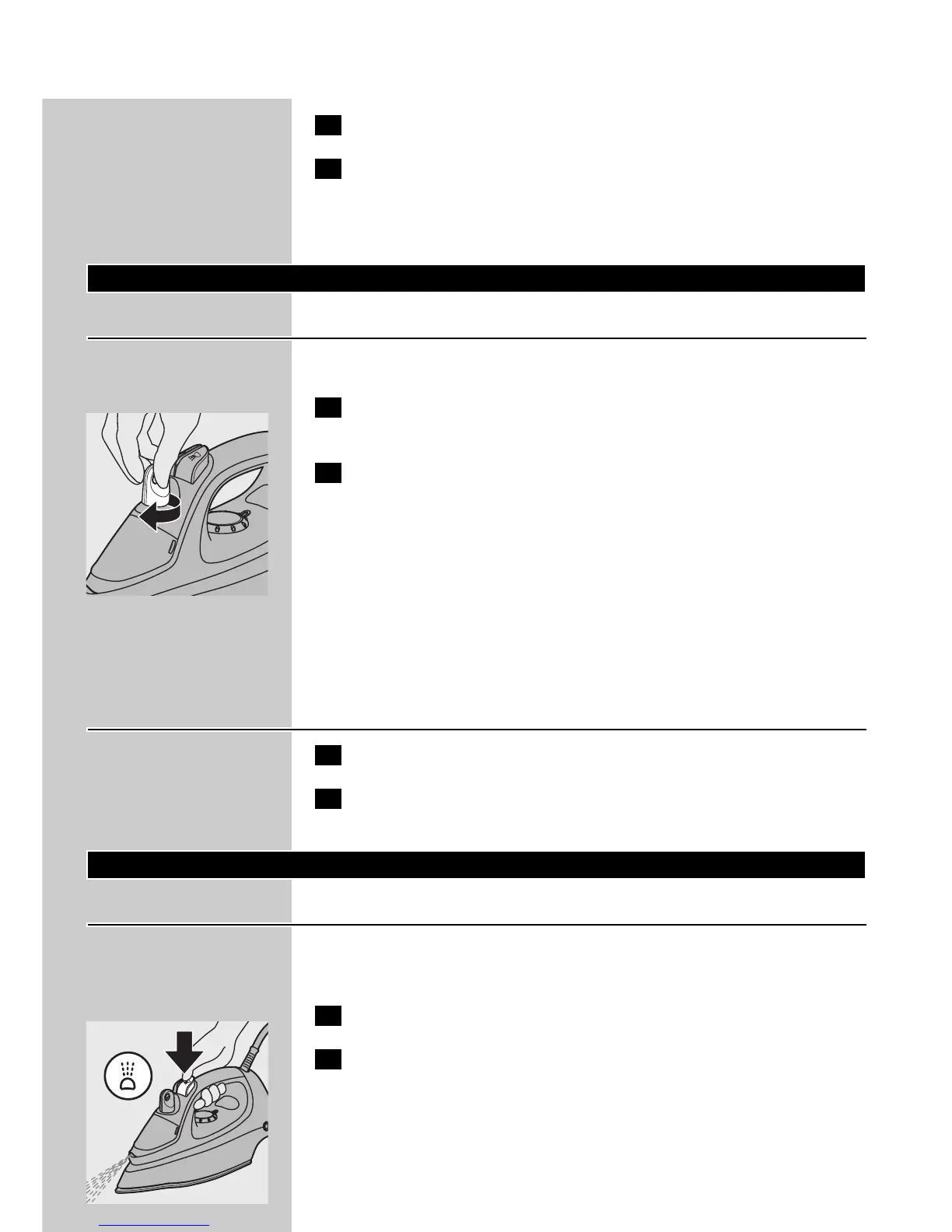
2 Press the spray button several times to moisten the article to
be ironed.
ENGLISH8



 To Next Page