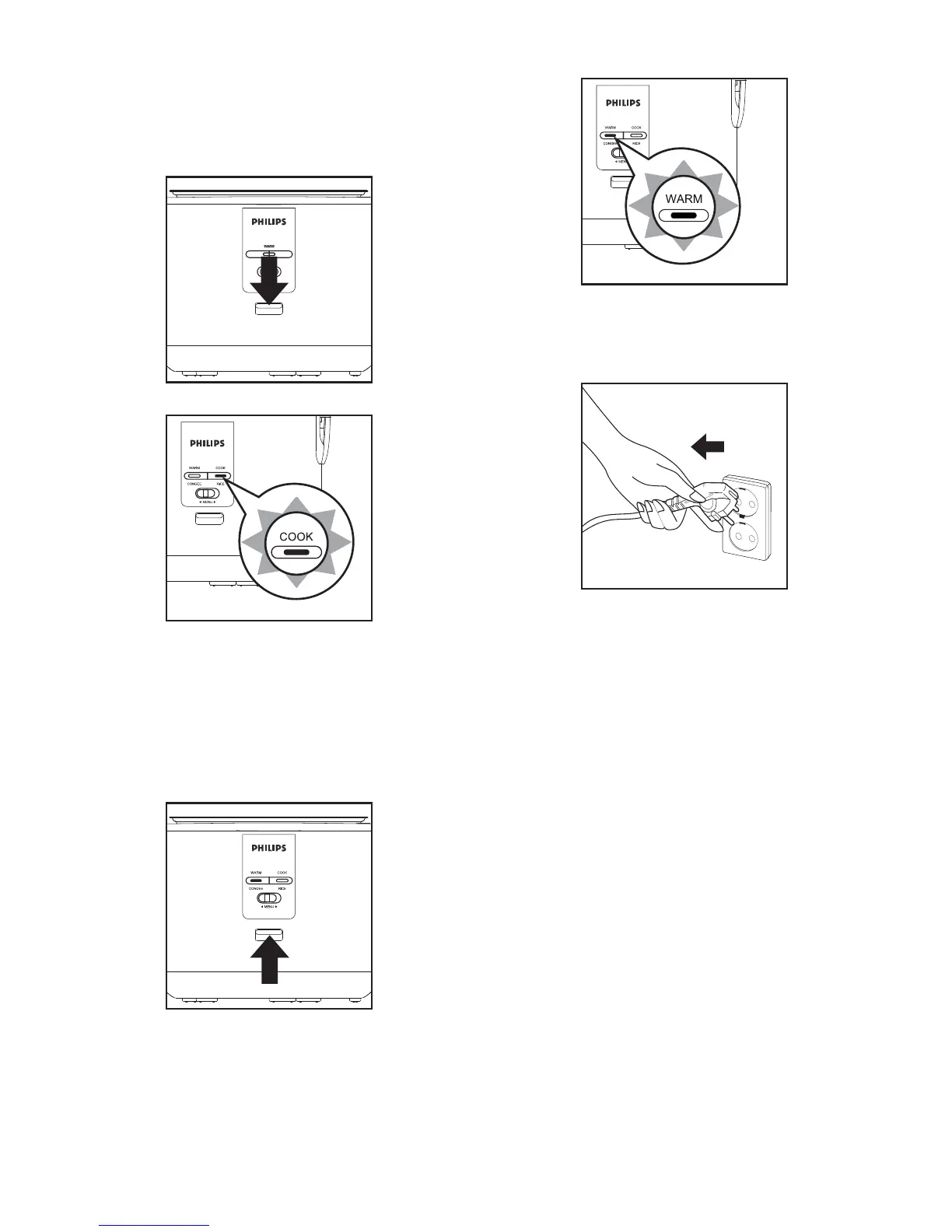
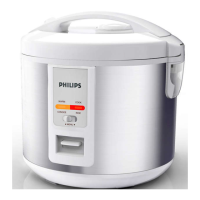
(1) Press the control key, the "Cooking" function
indicator lights up.
The food starts to steam.
(3) If the multi cooker is not in use, disconnect the
plug.
30
(2) Once the food has been steamed, turn the
control key manually. The "Cooking" function
indicator light switches off and the "Keep warm"
function indicator light automatically switches on
to show that the multi cooker is operating in "
Keep warm" mode.


 To Next Page