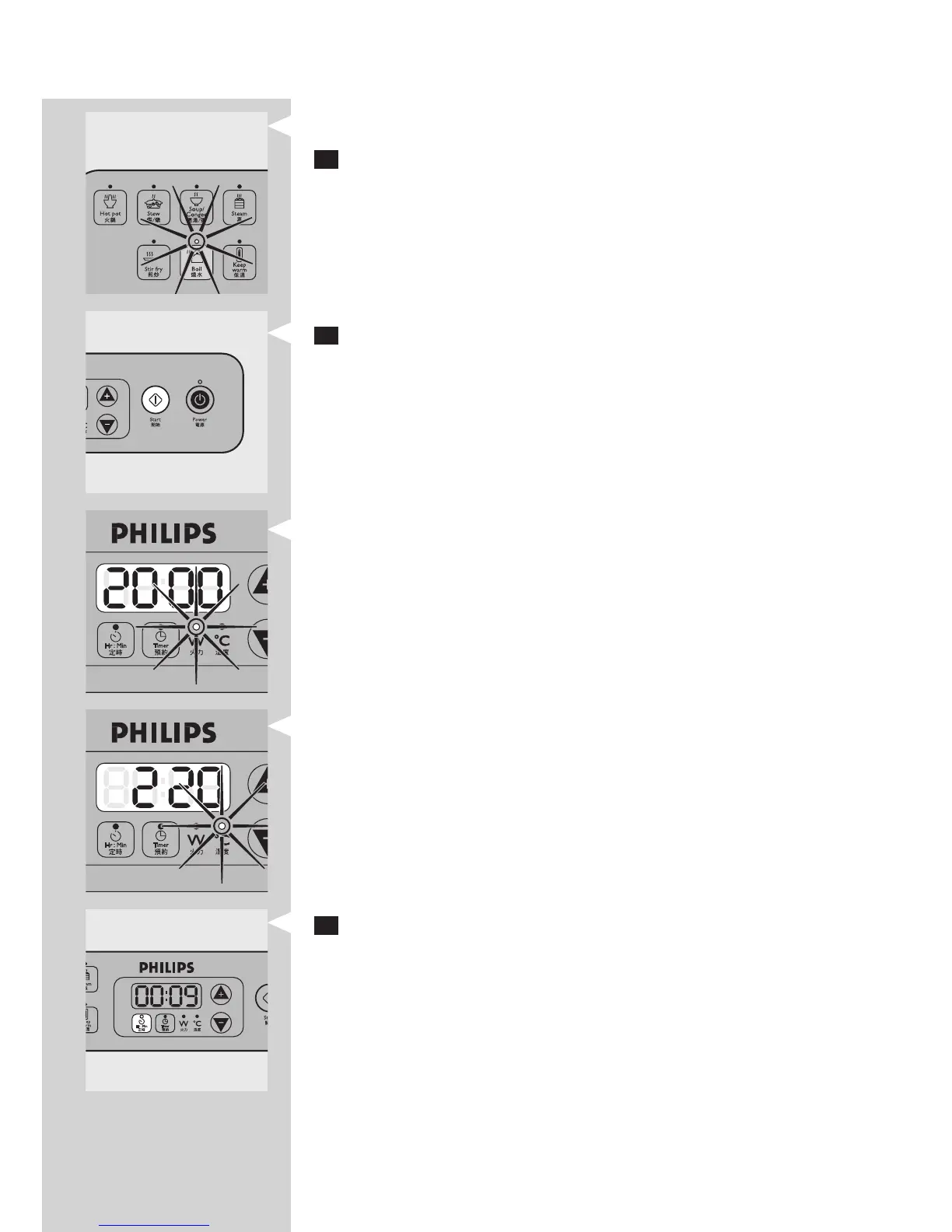
The indicator light above the button goes on.
3 If you want to start cooking at the default setting of the selected
preset mode, continue with step 6.
See the default settings and cooking time table above for the default
settings in the different cooking modes.
4 If you want to adjust the power level or cooking temperature, press
the + and - buttons.
If the power level is adjustable, ‘W’ light goes on and the power level
ashes.
If the temperature is adjustable, ‘C’ light goes on.
Certain settings cannot be adjusted. See the table above for information
about the settings that can or cannot be adjusted in the preset modes.
Note: You can also adjust the power level or cooking temperature during
cooking.
5 If you want to adjust the cooking time:
Press the Hr:Min button.
,
-
-
-
ENGLISH 13


 To Next Page