17
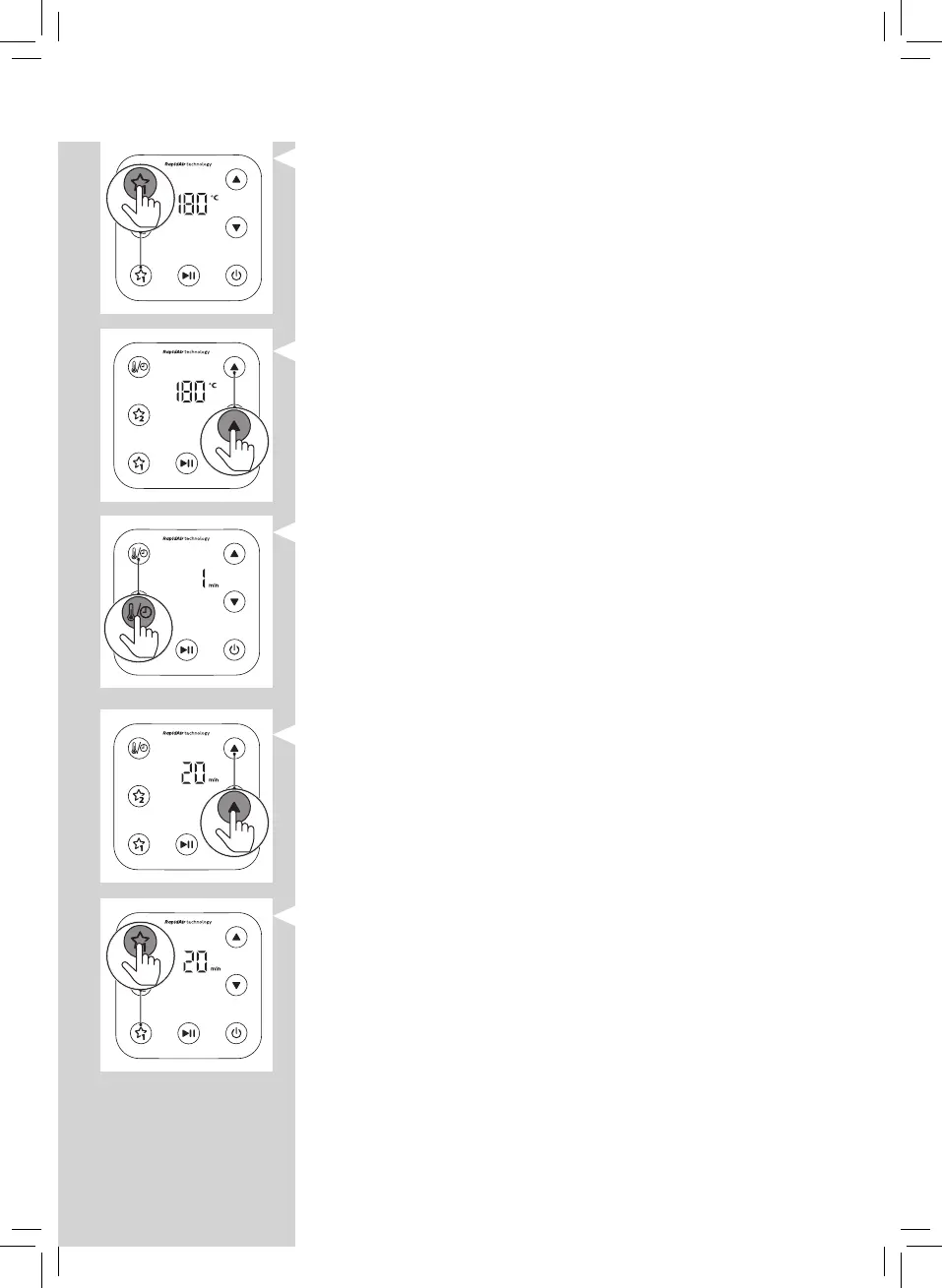
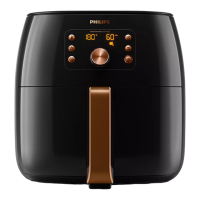
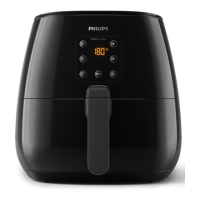
2 Press one of the favorite buttons.
3 Press the up or down button to choose the needed
temperature.
4 Press the time/temperature select button.
5 Press the up or down button to choose the needed time.
6 Memorize your chosen settings by pressing the same
favorite button again.
» The appliance makes a beep to conrm that the setting
is saved.




 To Next Page