8
Press MENU /HOLD or 1 to exit the menu display. Options for each setting are
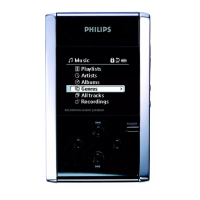
shown on hdd's display.
Customizing settings
1
2
3
Press MENU/HOLD for settings options. Press
3
to scroll up or
4
to scroll down
for your option. Press 2 for next or 1 for previous levels of menu.
Press 2 to confirm your selection by checking .
Advanced settings and actions
Repeat / Shuffle Play music tracks randomly (Shuffle) or repeatedly (Repeat)
DBB Bass Boost Enable or disable Dynamic Bass Boost
Add to Playlist Add a library option or a track to a playlist
New Playlist Create a new playlist
Record Mode
Select recording source
Erase Erase a track
Standby Timer Set time to switch off hdd automatically to save battery power
Sleep timer Set time to switch off hdd for falling asleep to music
Language Set hdd display language
Settings Adjust settings for Equalizer, Recording, Display and show hdd information
Factory settings Restore hdd factory settings in case of trouble shooting


 To Next Page