6
Playback
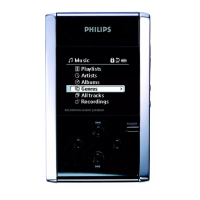
Press LIBRARY for music library options.
Press
3
to scroll up or
4
to scroll down for your option.
Press 2 for next or 1 for previous levels of library.
Press 2; to play or pause your selection.
1
2
3
The 2;,
3
and
4
,keys are multi-functional.They work according to how
you press them: press halfway down, press down fully, or press and hold.
Tip
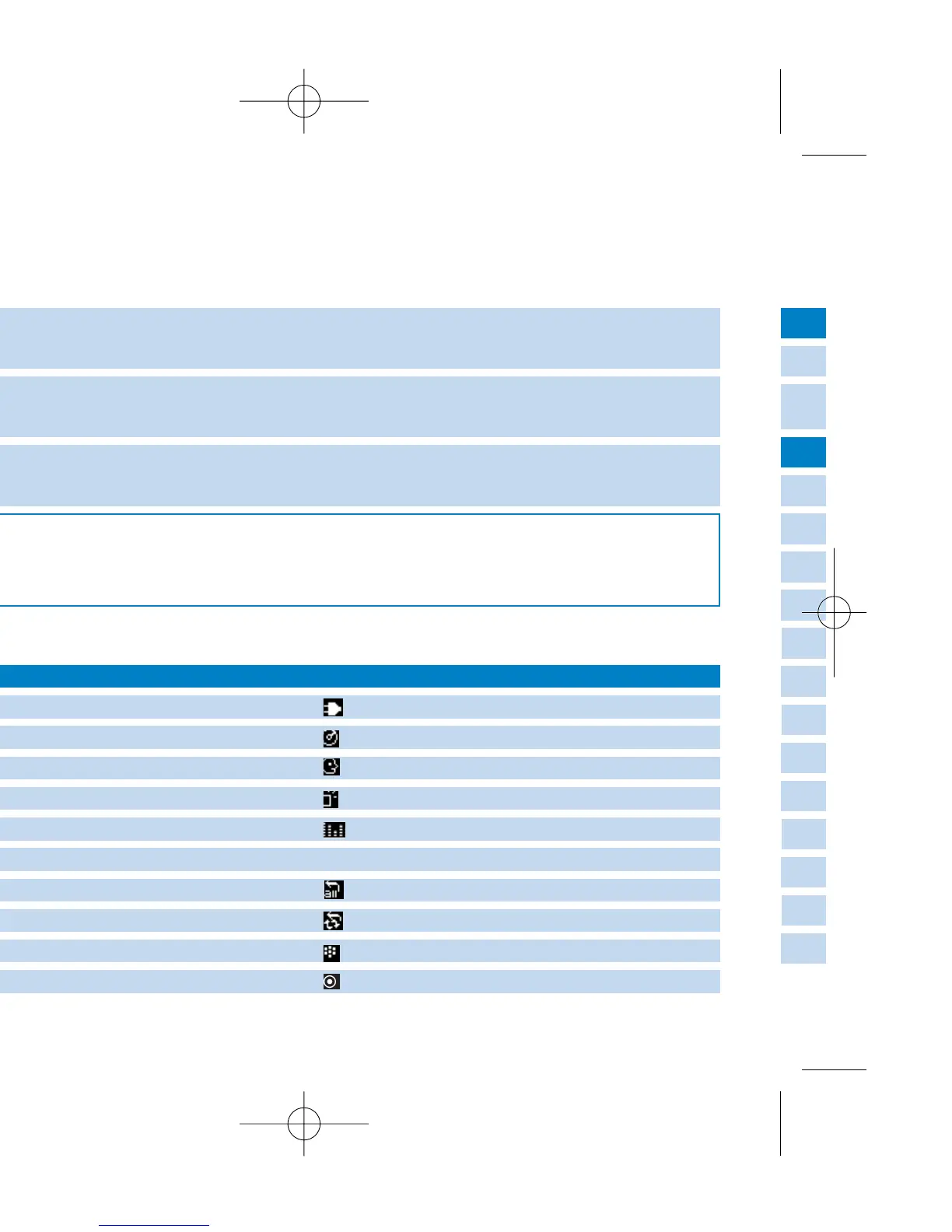
Understanding hdd display
hdd has an intuitive display to show various information:
Battery level indicator
DC power connected
Playlist
Album
Genres
Artists
All tracks
Recordings
Keys locked
Equalizer (EQ)
< Previous menu / library level available
> Next menu / library level available
Repeat once
Repeat all
Shuffle
Shuffle / Repeat
Recording mode
Option available for selection
Option selected
DBB Bass Boost selected


 To Next Page