18
Demonstration mode
Demo-mode
Demo-Modus
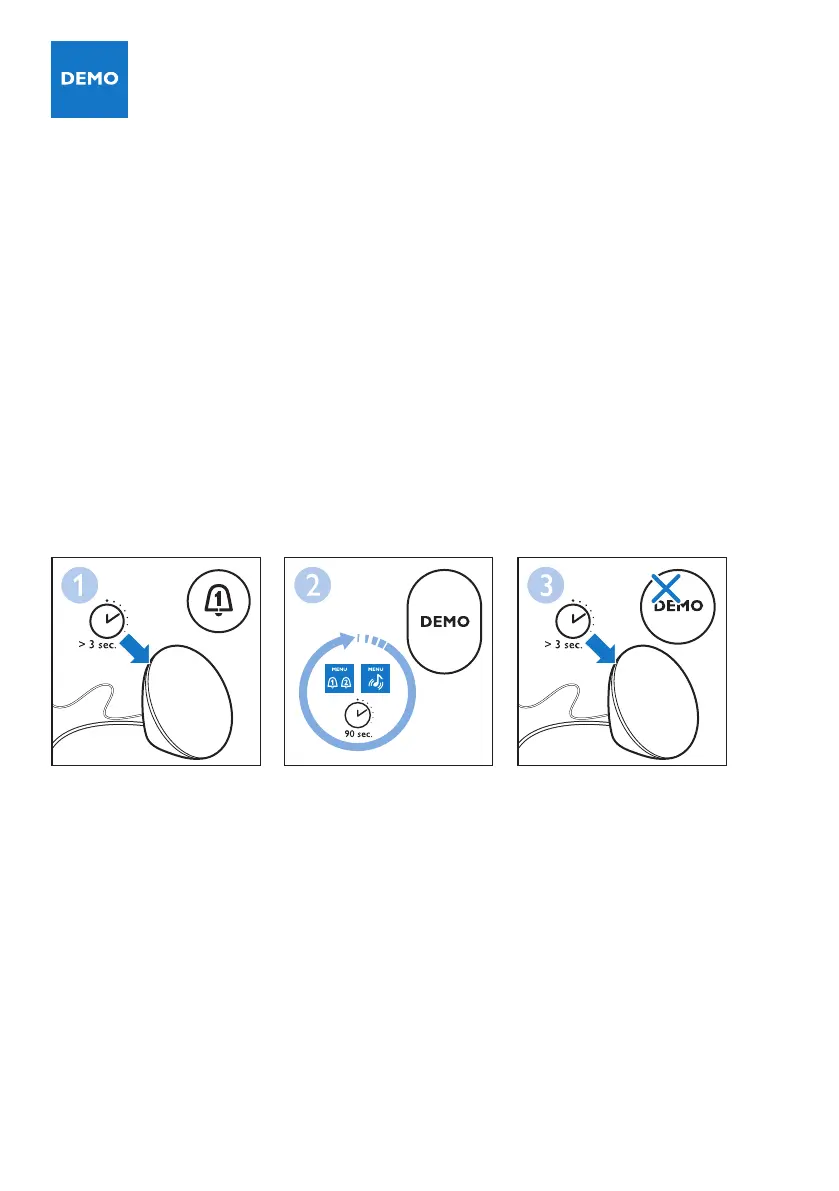
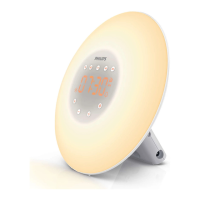
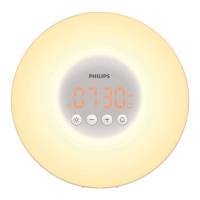
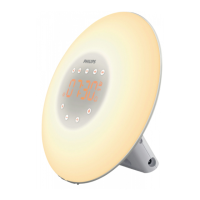
If you want a quick demonstration (90 seconds) of the gradually increasing light intensity and sound
level, switch on the test function of the appliance.
1. Press and hold the alarm 1 or alarm 2 button for at least 3 seconds.
2. The appliance starts the demonstration of the corresponding alarm.
3. To switch off the demonstration, press and hold the previously pressed alarm button for
3 seconds again.
Hvis du vil have en hurtig demonstration (90 sekunder) af den gradvist stigende lysintensitet og lyd,
skal du aktivere apparatets testfunktion.
1. Tryk og hold knappen alarm 1 eller alarm 2 i mindst 3 sekunder.
2. Apparatet starter en demonstration af den tilsvarende alarmen.
3. For at slukke for demonstrationen skal du trykke på og holde alarm-knappen nede i 3 sekunder igen.
Wenn Sie eine kurze Demonstration (90 Sekunden) der sich langsam steigernden Lichtintensität und
Lautstärke wünschen, aktivieren Sie die Testfunktion des Geräts.
1. Halten Sie die Taste Alarm 1 oder Alarm 2 mindestens 3 Sekunden lang gedrückt.
2. Das Gerät startet die Demo des entsprechenden Wecktons.
3. Um die Demonstration zu deaktivieren, halten Sie die zuvor gedrückte Alarm-Taste 3 Sekunden
lang gedrückt.


 To Next Page