6 EN
b MIC
Audio input from a microphone.
c AUDIO IN
Audio input from an MP3 player (3.5mm
jack).
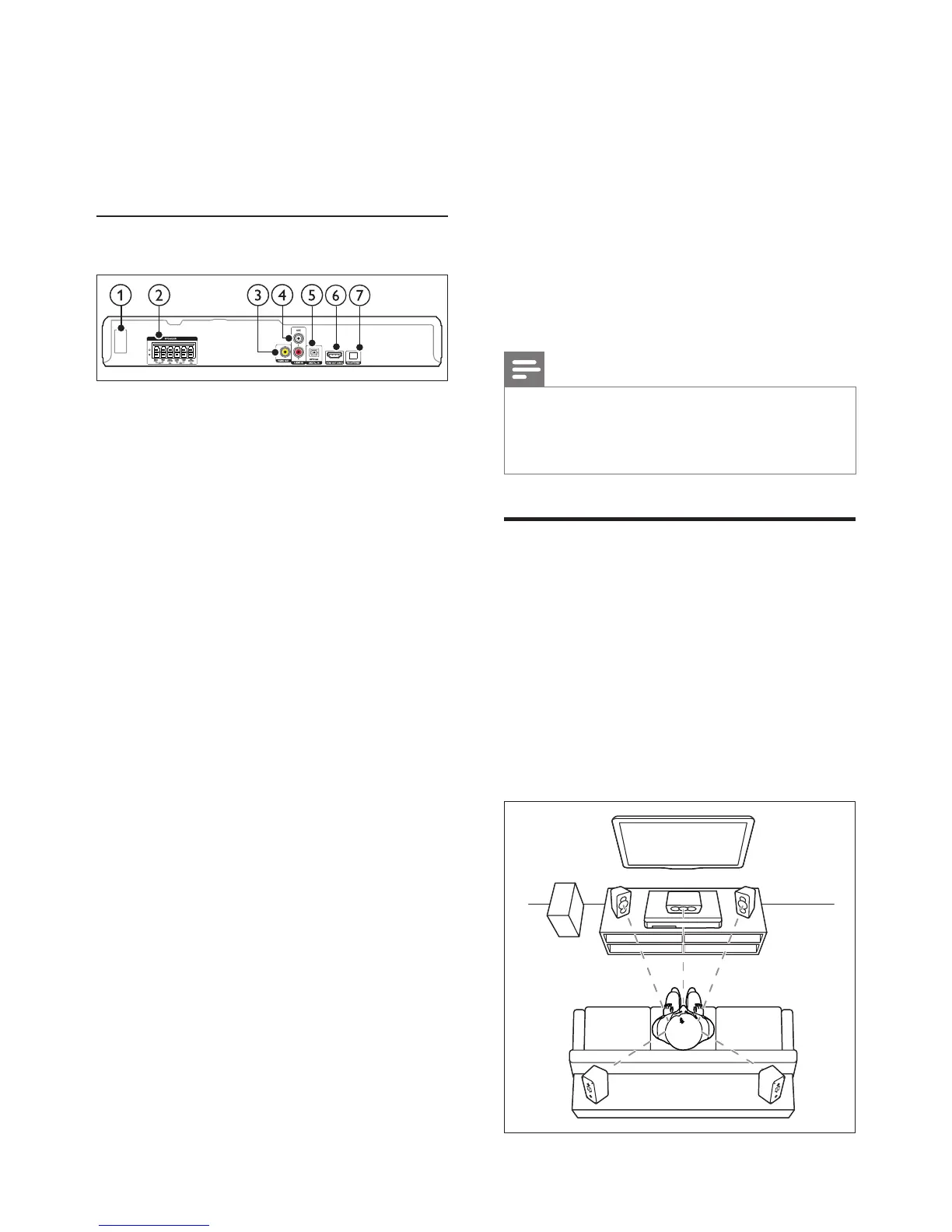
Back connectors
a AC MAINS
Connect the supplied AC power cable.
b SPEAKERS
Connect to the supplied speakers and
subwoofer.
c VIDEO OUT
Connect to the composite video input on
the TV.
d AUDIO IN-AUX
Connect to an analog audio output on the
TV or an analog device.
e DIGITAL IN-OPTICAL
Connect to an optical audio output on the
TV or a digital device.
f HDMI OUT (ARC)
Connect to the HDMI input on the TV.
g FM ANTENNA
Connect the supplied antenna for radio
reception.
3 Connect and set
up
This section helps you connect your home
theater to a TV and other devices, and then set
it up.
For information about the basic connections
of your home theater and accessories, see the
quick start guide.
Note
• For identication and supply ratings, see the type plate
at the back or bottom of the product.
• Before you make or change any connections, make sure
that all devices are disconnected from the power outlet.
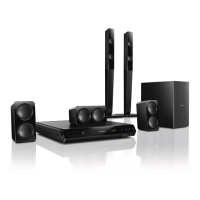
Connect speakers
The speaker cables are color-coded for easy
connection. To connect a speaker to your home
theater, match the color on the speaker cable to
the color on the connector.
Speaker position plays a critical role in setting up
a surround sound effect. For best effect, position
all the speakers towards the seating position and
place them close to your ear level (seated).



 To Next Page