5EN
2 Your SoundBar
Congratulations on your purchase, and
welcometoPhilips!Tofullybenetfrom
the support that Philips offers, register your
SoundBar at www.philips.com/welcome.
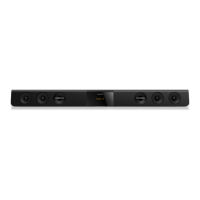
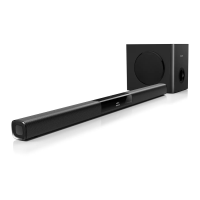
Main unit
This section includes an overview of the main
unit.
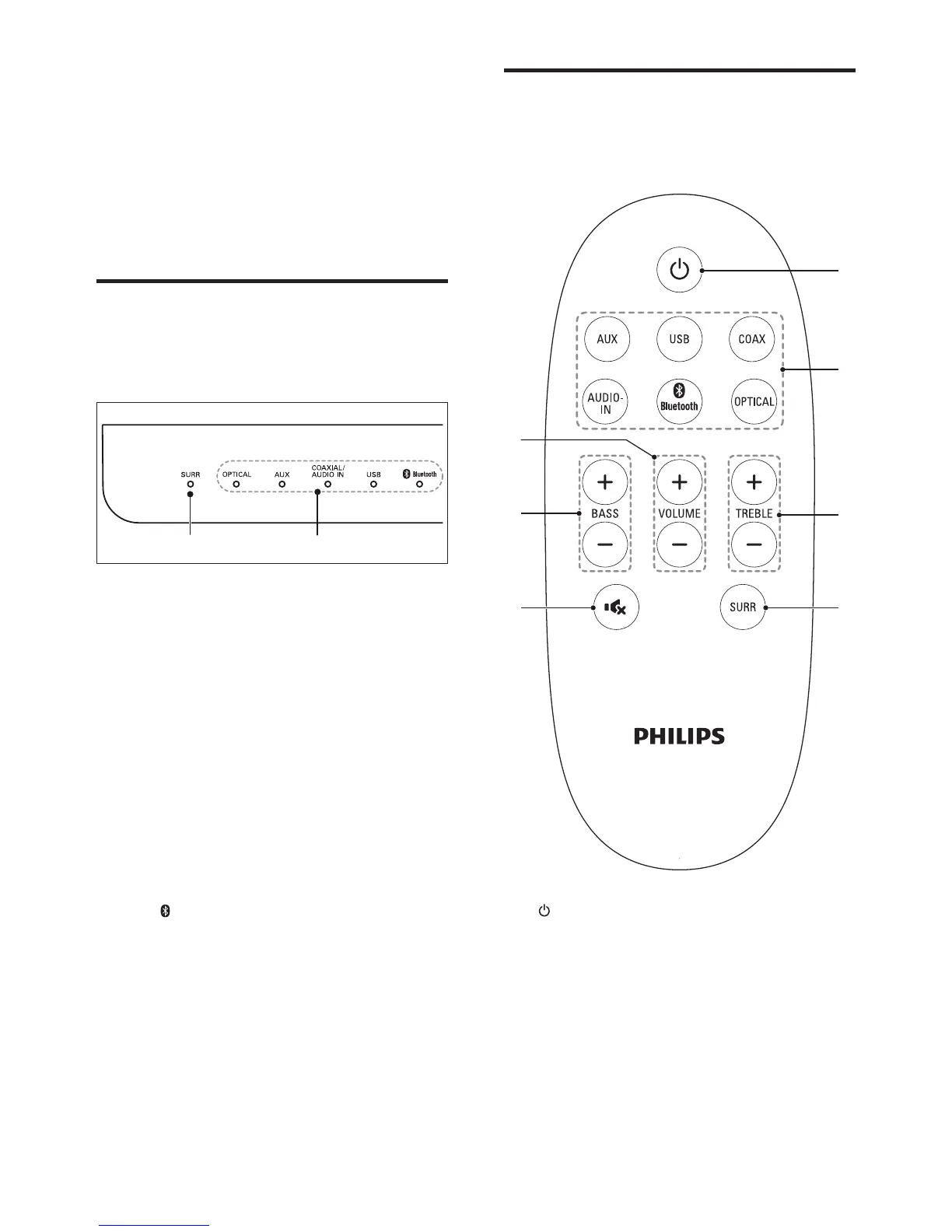
a SURR indicator
Lights up when you select Virtual Surround
sound.
b Source indicators
• OPTICAL: Lights up when you switch
to optical input source.
• AUX: Lights up when you switch to
analog input source.
• COAXIAL / AUDIO IN
Lights up when you switch to coaxial
input source.
Lights up when you switch to audio
input source (3.5mm jack).
• Bluetooth
Lights up when you switch to
Bluetooth mode and Bluetooth devices
are paired.
Blinks when you switch to Bluetooth
mode and Bluetooth devices are not
paired.
a
b
Remote control
This section includes an overview of the
remote control.
a (Standby-On)
Switch the SoundBar on or to standby.
b Source buttons
• AUX: Switch your audio source to the
AUX connection.
• USB: Switch your audio source to the
USB connection.
• COAX: Switch your audio source to
the coaxial connection.
a
c
de
f
g
b



 To Next Page