6 EN
Connectors
This section includes an overview of the
connectors available on your Surround Base.
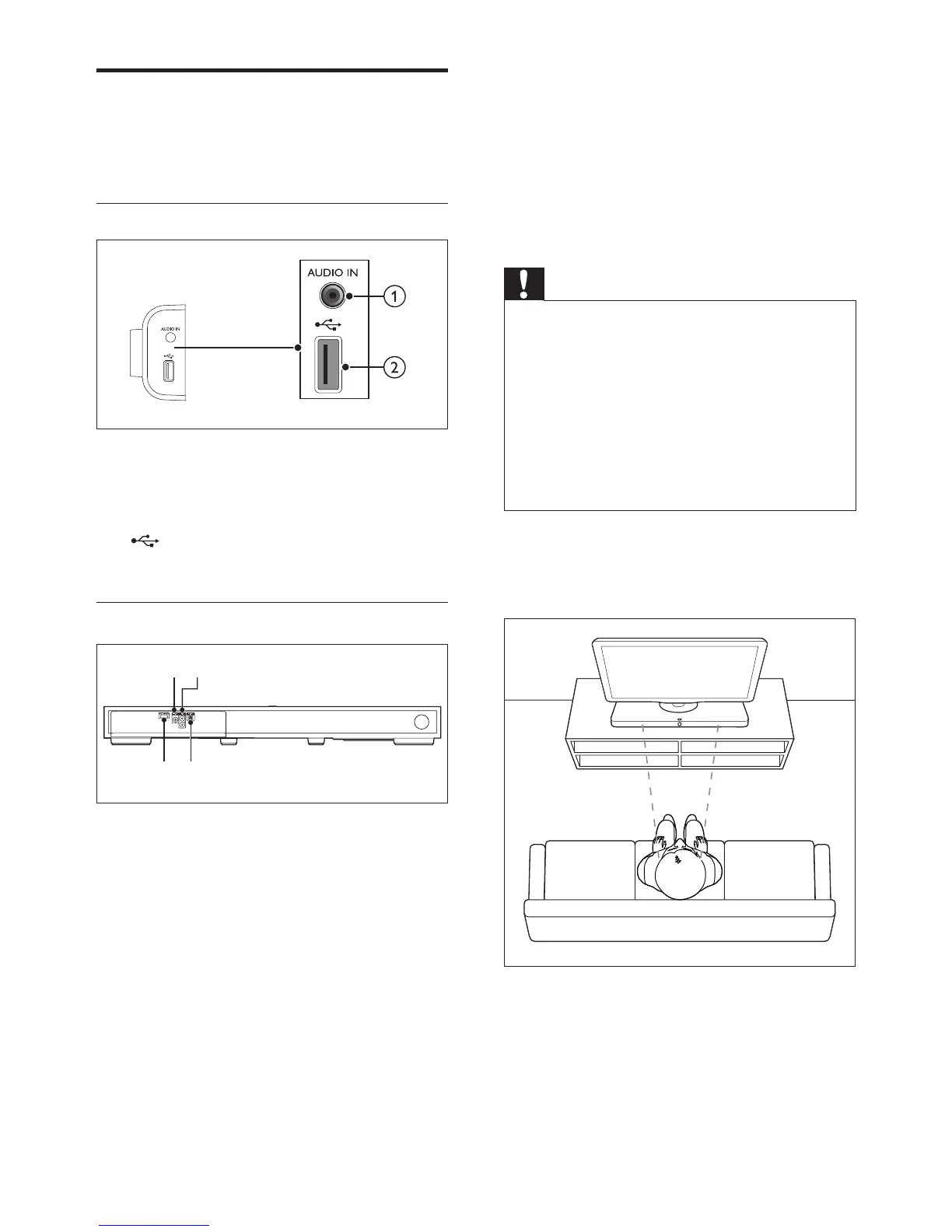
Side connectors
a AUDIO IN
Audio input from an MP3 player (3.5mm
jack).
b
Audio input from a USB storage device.
Rear connectors
a COAXIAL IN
Connect to a coaxial audio output on the
TV or other devices.
b AUX IN
Connect to an audio output on the TV or
other devices.
c HDMI OUT (ARC)
Connect to the HDMI input on the TV.
d OPTICAL IN
Connect to an optical audio output on the
TV or other devices.
cd
ab
3 Place your
Surround Base
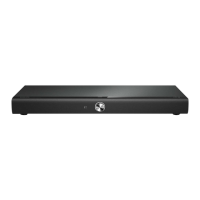
This Surround Base is designed to be placed
under your TV.
Caution
• The Surround Base is designed for TVs that weigh no
more than 22 kg / 48.5 lbs. Do not place a CRT type
TV on the Surround Base.
• Do not place the Surround Base on an unstable cart,
stand, bracket or table. Otherwise, the Surround Base
may fall, causing serious injury to a child or adult and
serious damage to the product.
• Make sure the ventilation openings on the rear panel
are not blocked.
• Do not change the position of the Surround Base after
placing your TV on top of it.
1 Place the Surround Base on any at and
stable surface near your TV. Then place
your TV on the top of the Surround Base.













 To Next Page