7
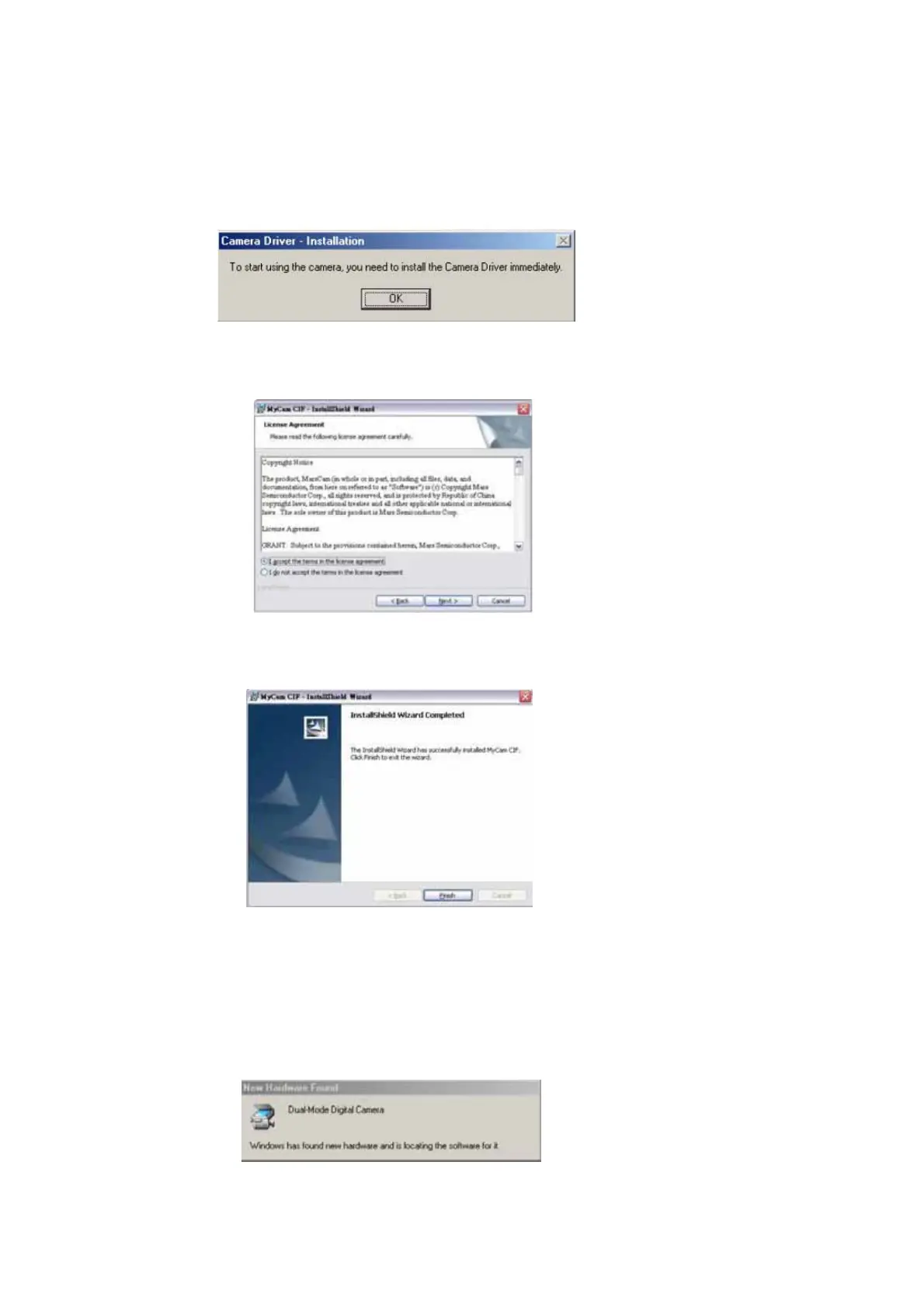
6. After the AvailaSoft installation is completed, click “FINISH”. The system will ask you
to install the camera driver, then click “OK”.
7. When it comes to the following License agreement wizard, choose “I accept” and click
and next.
8. Follow the instructions on the computer screen. Click “Finish” in the last Wizard to
complete the driver installation.
6.20 Installation of Camera driver
1. After the installation is finished, plug in the cable to the camera and connect to the
computer, the “New Hardware Found” & “Building Driver Information” Wizard will
appear.



 To Next Page