Get started 8
Table of contents
Using the Voice Tracer with a computer
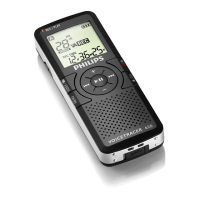
As a USB mass storage device, the Voice Tracer offers a convenient
way to save, back up and move files. The Voice Tracer connects to a
computer using a USB connection and does not require special
software to be installed. The Voice Tracer is automatically displayed as
a removable drive.
D Notes
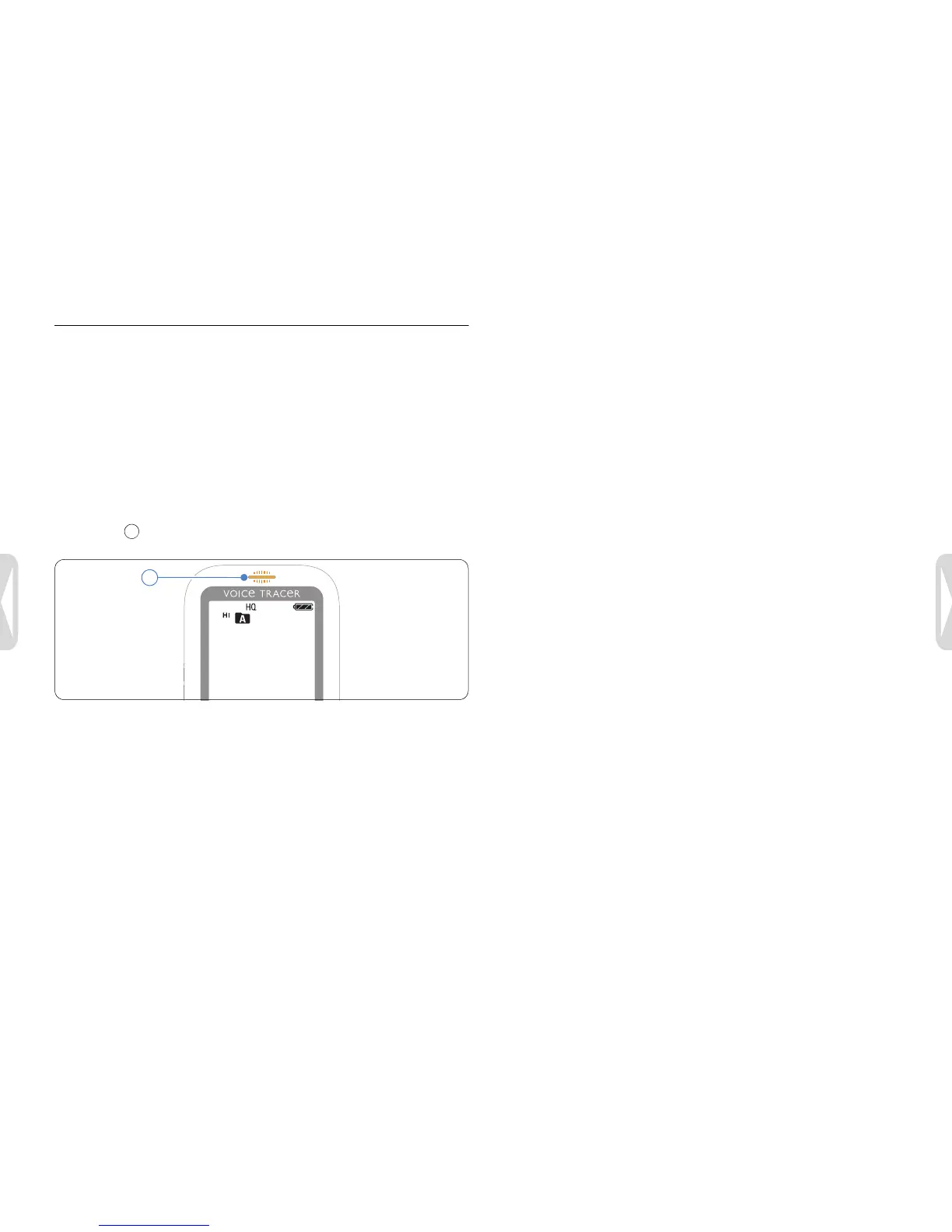
• Do not disconnect the Voice Tracer from the computer while files
are transferred from or to the recorder. The record/play
indicator flashes orange, when data is being transferred.
• Do not format the drive of the Voice Tracer on a computer.
Formatting on the Voice Tracer uses the correct file system and
automatically creates the required folders.





 To Next Page