Playback 13
Table of contents
Repeat a file or folder
1 Press and hold the INDEX / a button for one second or longer
during playba
ck to switch between play modes (repeat file, repeat
folder or playback in random sequence).
2 Select the desired playback mode.
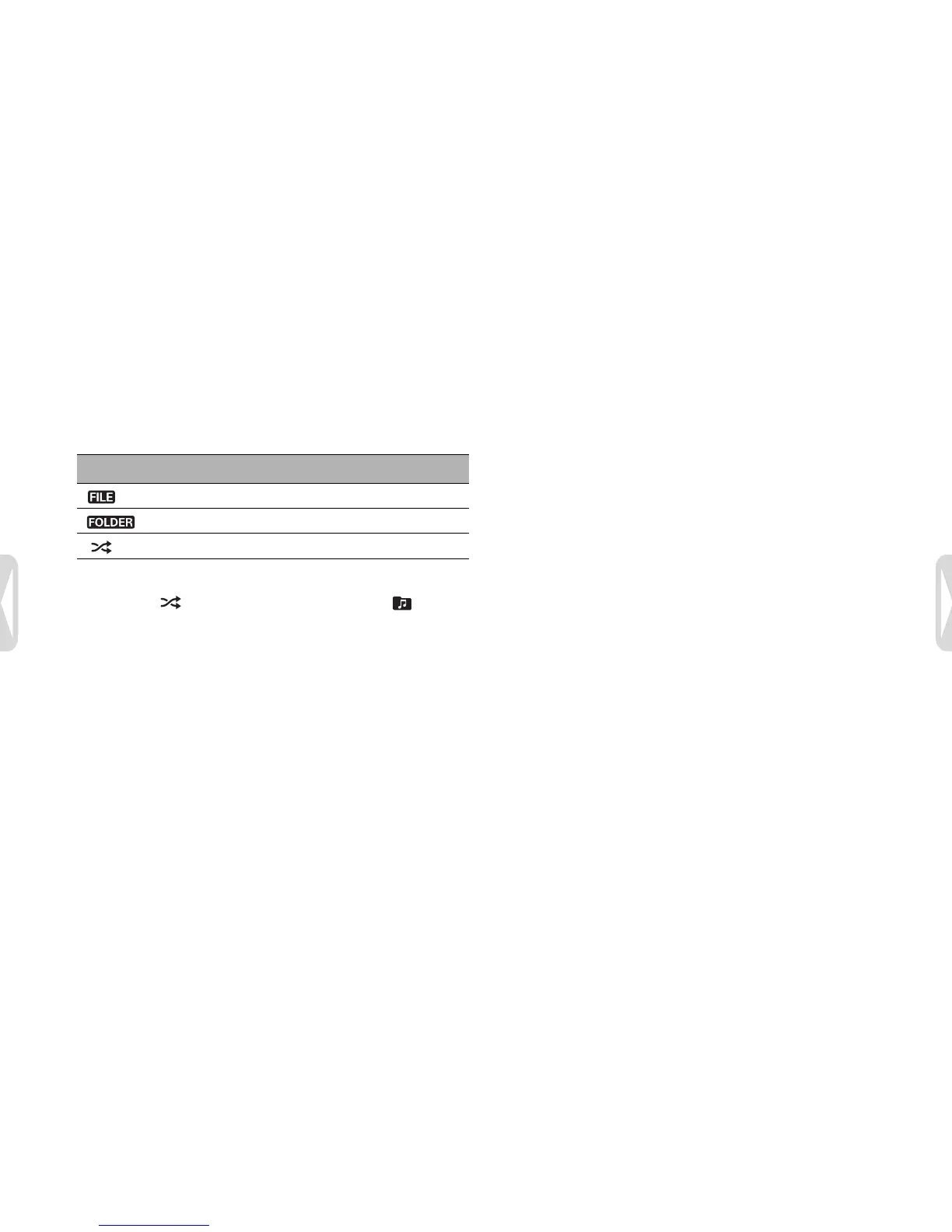
Icon Description
Repeat a file.
Repeat all files in a folder.
Play all music files within folder randomly.
D Note
Random playback
is available only in the music folder .





 To Next Page