15
English
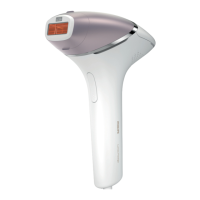
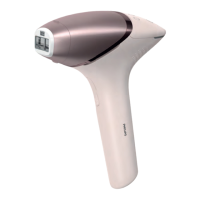
3 Press the on/off button to turn on the device.
4 Choose an area for your skin test.
5 Press the device firmly onto your skin and hold it in place.
The integrated safety system prevents unintentional flashingwithout full
skin contact.
6 Confirm that the 'READY to flash' light lights up white to ensure that there is
full contact with your skin.
-
If the 'READY to flash' light is orange, your skin is too dark to treat. Try
Lumea on a lighter body area.
7 Try each setting on your skin and find your comfortable setting.
If the flash feels uncomfortable and you experience pain, lower the setting.
-
When the 'READY to flash' light is white, press the flash button on the
handle once, to treat one spot with setting ➀.
The device makes a soft popping sound. The flash gives you a warm
sensation.


 To Next Page
 Loading...