14
English
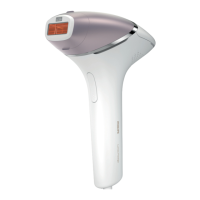
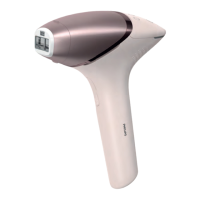
How to use your Lumea Series 9900
A Remove hair & clean your skin
1 Remove hair before every treatment as long as hair is still visible. You can
either shave, epilate or wax. Make sure you start to treat before new hair is
visible on your skin. If you choose to wax, wait 24 hours before you use
Lumea.
2 Clean and dry your skin. Make sure that it is free from any lotion or gel.
B Test skin 24 hours before treatment
1 Test your skin to find the correct light setting:
-
For every new body area.
-
After recent tanning.
2 Select the correct attachment to test your skin (see 'Attachments').


 To Next Page
 Loading...