4
3 Get started
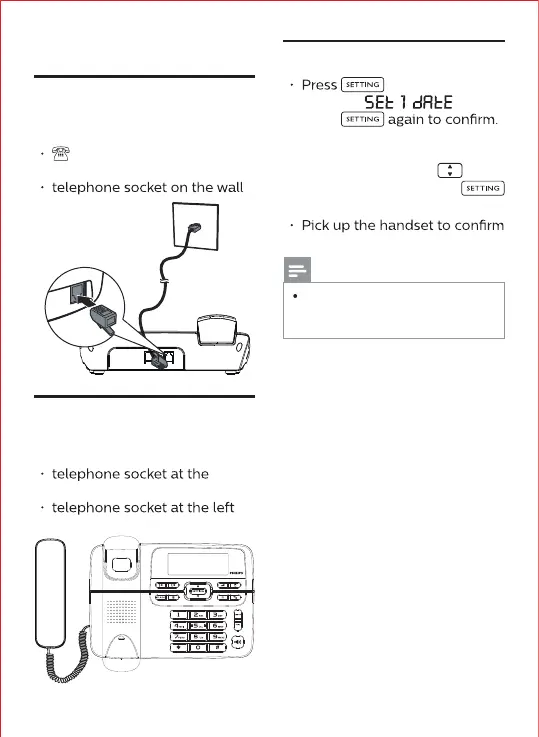
1. Connect the base station
Connect each end of the line
cord to:
telephone socket on the
top of the base station
2. Install the handset
Connect each end of the coil
cord to:
bottom of the handset
side of the base station.
3. Set the date and time
. The screen
displays "
".
Press
After entering the date/time
settings screen, the year digit
starts to blink. Press
to set
the year and then press
to set the day/hour/minute.
the setting.
Remarks
After the time and date are set,
the LCD screen automatically
displays the corresponding week.



 To Next Page