10
English
3140 115 27913
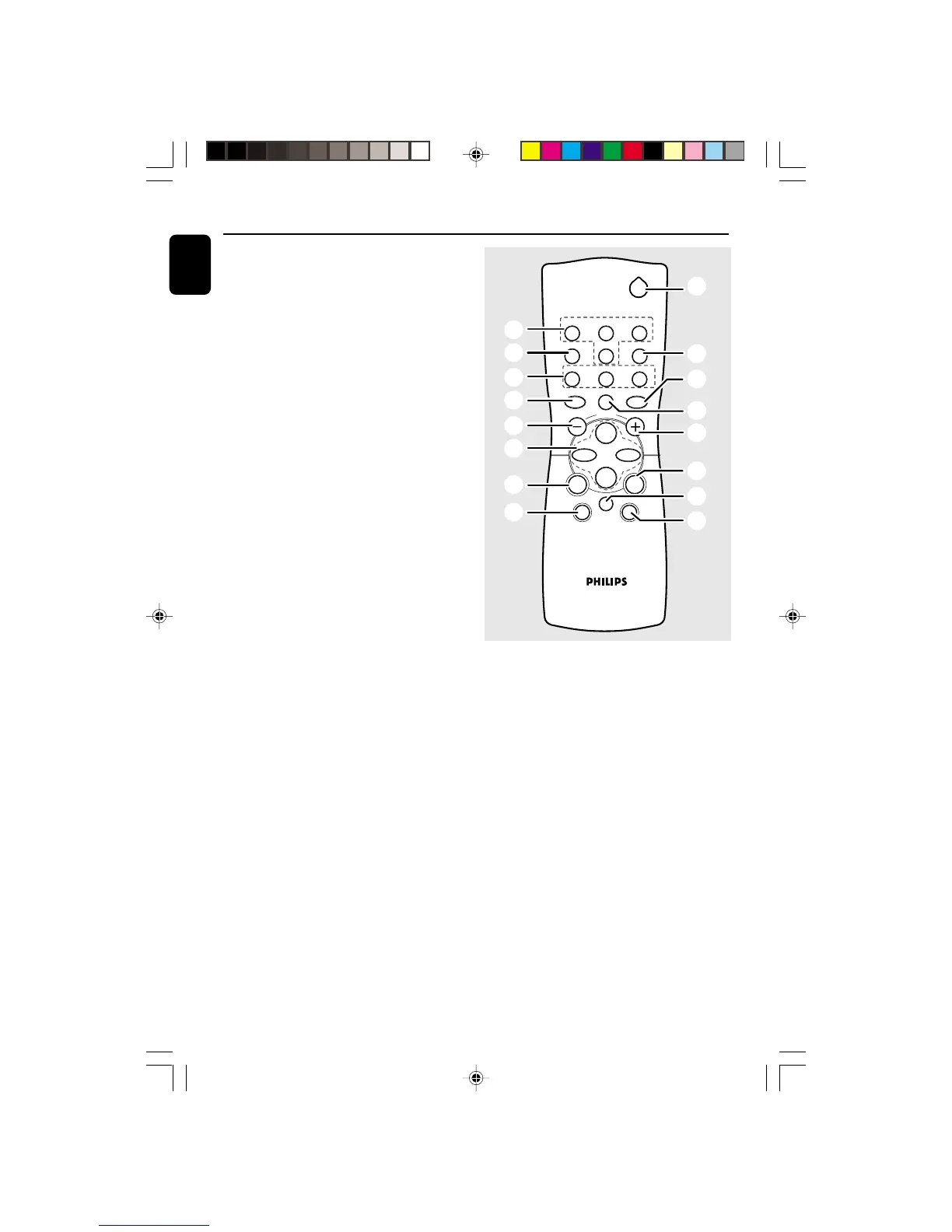
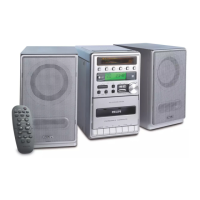
Controls
Notes for remote control:
– First select the source you wish to
control by pressing one of the source select
keys on the remote control (e.g. CD ,
TUNER, etc.).
– Then select the desired function (
É
,
í
,
ë
,
etc.).
2
TUNERTAPECD
SLEEP AUXTIMER
DSC
DBB
MUTE
SIDE
NEWS/TA
Å
INC. SURR
VOLUME
á
à
ë
í
É
Ç
SHUFFLE
REPEAT PROGRAM
1
(
*
8
!
8
4
6
3
7
^
&
!
8
8
9
TUNING 34
( à, á ) .......... tunes to radio stations.
9 REPEAT/ REV MODE/ BAND
for CD ................. repeats a track/CD programme/
entire CD.
for Tape ............... selects tape reverse modes.
for Tuner ............. selects waveband.
0 Display
– shows the status of the system.
! VOLUME ( -/+ )
– adjusts the volume level.
– on the system only - adjusts the hour and minutes
for the clock/timer functions.
@ RECORD
– starts recording.
# OPEN
– opens tape compartment.
$ OPEN•CLOSE
– opens/closes the CD door.
% n
– connect headphones.
^ INTERACTIVE SOUND controls:
DBB .................... (Dynamic Bass Boost) enhances
the bass.
DSC ..................... (Digital Sound Control) selects
sound characteristics: OPTIMAL/
ROCK/JAZZ/POP.
INC. SURR ... (Incredible Surround) creates a
super-enhanced stereo effect.
& MUTE
– interrupts and resumes sound reproduction.
* NEWS/TA
– activates RDS news and Traffic Announcement
(not for all versions).
( SLEEP
– activates/deactivates or selects the sleeper time.
pg 001-021/MC30/22-Eng 12/7/00, 1:32 PM10



 To Next Page