EasyManua.ls Logo

Philips N4506 - Controls and Connection Sockets; Removing the Cover; Horizontal Use; Connecting the Recorder to the Mains

Philips N4506
13 pages
Print Icon
To Next Page IconTo Next Page
To Previous Page IconTo Previous Page
Loading...
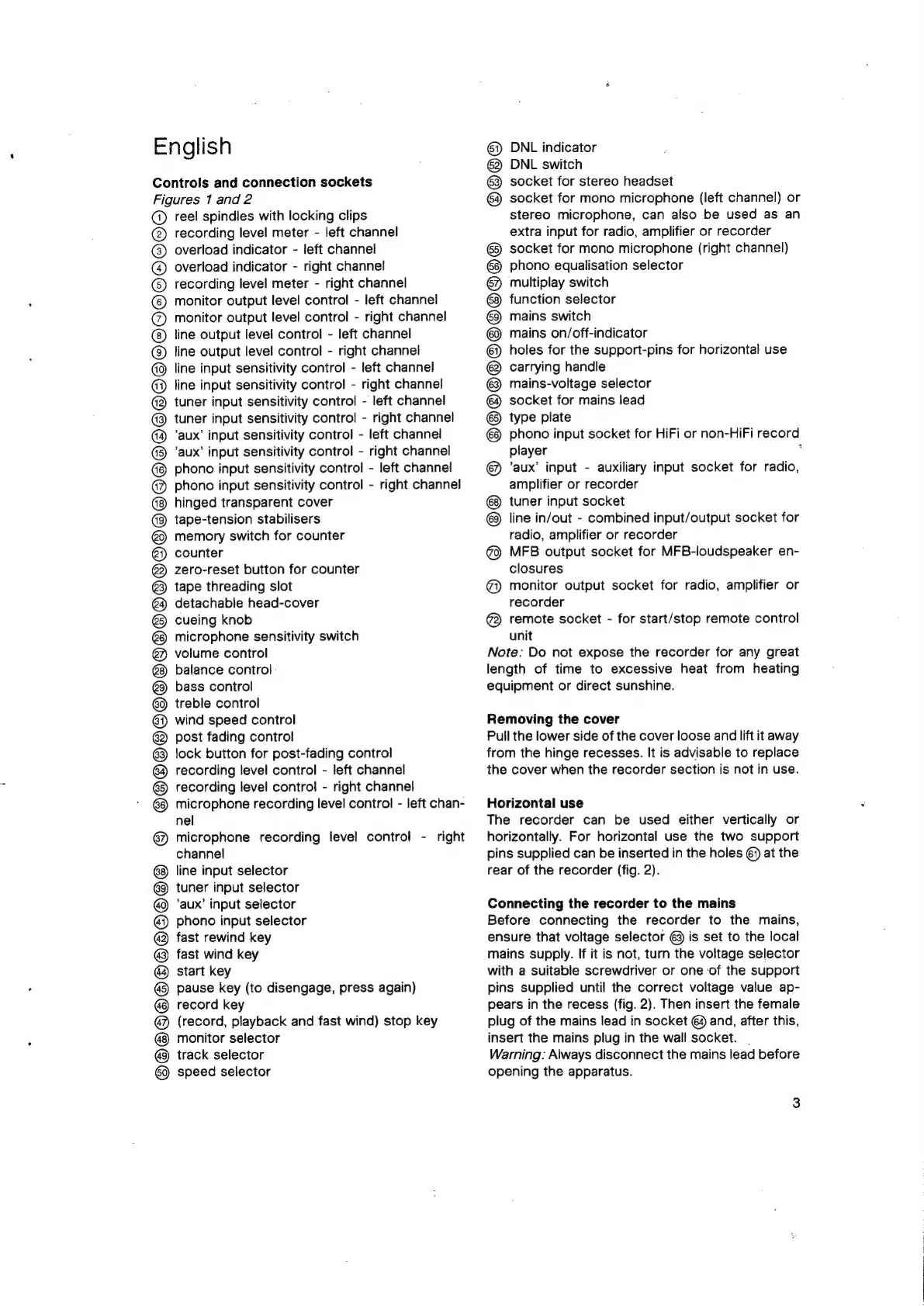
English
Controls
and
connection
sockets
Figures
1
and
2
@
reel
spindles
with
locking
clips
@
recording
level
meter
-
left
channel
overload
indicator
-
left
channel
overload
indicator
-
right
channel
recording
level
meter
-
right
channel
monitor
output
level
control
-
left
channel
monitor
output
level
control
-
right
channel
line
output
level
control
-
left
channel
line
output
level
control
-
right
channel
line
input
sensitivity
control
-
left
channel
line
input
sensitivity
control
-
right
channel
tuner
input
sensitivity
contro!
-
left
channel
tuner
input
sensitivity
control
-
right
channel
‘aux’
input
sensitivity
control
-
left
channel
‘aux’
input
sensitivity
control
-
right
channel
phono
input
sensitivity
control
-
left
channel
phono
input
sensitivity
control
-
right
channel
hinged
transparent
cover
tape-tension
stabilisers
memory
switch
for
counter
counter
zero-reset
button
for
counter
tape
threading
slot
detachable
head-cover
cueing
knob
microphone
sensitivity
switch
volume
control
balance
control
bass
control
treble
control
wind
speed
control
post
fading
control
lock
button
for
post-fading
control
recording
level
control
-
left
channel
recording
level
control
-
right
channel
microphone
recording
level
control
-
left
chan-
nel
@)
microphone
recording
level
control
-
right
channel
line
input
selector
tuner
input
selector
‘aux’
input
selector
phono
input
selector
fast
rewind
key
fast
wind
key
start
key
pause
key
(to
disengage,
press
again)
record
key
@
(record,
playback
and
fast
wind)
stop
key
®
QO@Q@QOQOQOQO©O@OCOOO
OOOOOOOHOOOOOOHO®
®)
monitor
selector
track
selector
speed
selector
6)
DNL
indicator
63
DNL
switch
6}
socket
for
stereo
headset
€)
socket
for
mono
microphone
(left
channel)
or
stereo
microphone,
can
also
be
used
as
an
extra
input
for
radio,
amplifier
or
recorder
6)
socket
for
mono
microphone
(right
channel)
phono
equalisation
selector
multiplay
switch
function
selector
mains
switch
mains
on/off-indicator
holes
for
the
support-pins
for
horizontal
use
@
carrying
handle
@
mains-voltage
selector
socket
for
mains
lead
@
type
plate
phono
input
socket
for
HiFi
or
non-HiFi
record
player
’aux’
input
-
auxiliary
input
socket
for
radio,
amplifier
or
recorder
tuner
input
socket
line
in/out
-
combined
input/output
socket
for
radio,
amplifier
or
recorder
@
MFB
output
socket
for
MFB-loudspeaker
en-
closures
@
monitor
output
socket
for
radio,
amplifier
or
recorder
@
remote
socket
-
for
start/stop
remote
control
unit
Note:
Do
not
expose
the
recorder
for
any
great
length
of
time
to
excessive
heat
from
heating
equipment
or
direct
sunshine.
Removing
the
cover
Pull
the
lower
side
of
the
cover
loose
and
lift
it
away
from
the
hinge
recesses.
It
is
advisable
to
replace
the
cover
when
the
recorder
section
is
not
in
use.
Horizontal
use
The
recorder
can
be
used
either
vertically
or
horizontally.
For
horizontal
use
the
two
support
pins
supplied
can
be
inserted
in
the
holes
6}
at
the
rear
of
the
recorder
(fig.
2).
Connecting
the
recorder
to
the
mains
Before
connecting
the
recorder
to
the
mains,
ensure
that
voltage
selector
@
is
set
to
the
local
mains
supply.
if
it
is
not,
turn
the
voltage
selector
with
a
suitable
screwdriver
or
one
of
the
support
pins
supplied
until
the
correct
voltage
value
ap-
pears
in
the
recess
(fig.
2).
Then
insert
the
female
plug
of
the
mains
lead
in
socket
€4
and,
after
this,
insert
the
mains
plug
in
the
wall
socket.
|
Warning:
Always
disconnect
the
mains
lead
before
opening
the
apparatus.

Other manuals for Philips N4506

Related product manuals