Identifying ECG Problems
PageWriter 100 M1772A Cardiograph 3-3
3
,IWKH5HFRUGLQJ:RQªW6WDUW
If you press or and the recording doesn’t start,
investigate the following possibilities:
l Is the cardiograph turned on?
At least one light other than the AC light should be on.
l Is the AC power light on?
If the cardiograph is plugged into AC power and the AC light is
not on, check the two line fuses. See "Replacing the Fuses, In
Chapter 4, Maintaining the Cardiograph for fuse information.
l Is the patient cable connected to the cardiograph?
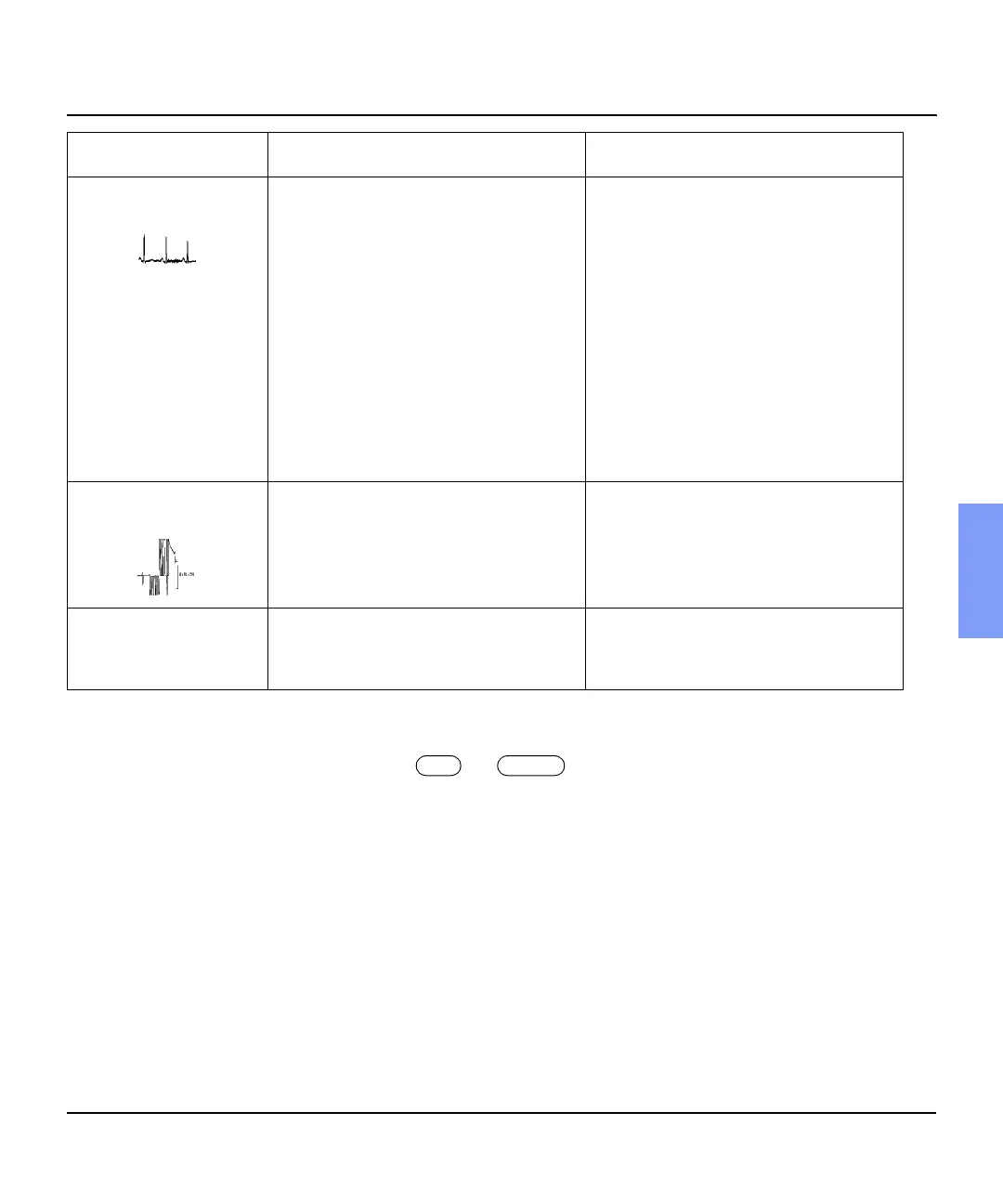
Tremor or Muscle
Artifact
Poor electrode placement. Poor
electrode contact. Patient is cold.
Tense, uncomfortable patient.
Tremors.
Clean the electrode site. Reapply
electrodes. Be sure that the limb
electrodes are placed on flat, non-
muscular areas of the body. Warm the
patient.
Reassure and relax the patient. Make
sure the Filter light is on.
Attach limb electrodes high on the
extremities near the trunk.
Make sure the Filter light is on.
Intermittent or Jittery
Waveform
Poor electrode contact. Dry electrodes.
Faulty lead wires.
Clean the site. Reapply electrodes.
Replace faulty patient cable.
Poor print quality
(uneven contrast or
blank streaks)
Dirty printhead. Clean the printhead.
Use recommended paper.
Problem Cause Possible Solutions
0DQXDO


 To Next Page