Loading Paper
A-10 Setting up Your Cardiograph for the First Time
To load the paper:
1. From the front of the cardiograph, release the latch on the left side
and slide the paper door to your left.
2. Remove the outer packaging on the paper stack.
3. Place the paper stack in the compartment so that the top side of the
paper feeds grid side up over the top panel. The paper sensing hole
will be in the lower corner of the paper.
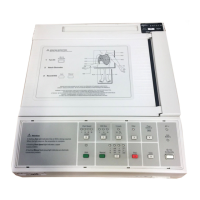
4. Pull a sheet halfway out and over the paper door. Make sure that the
paper lays on the black roller evenly within the channel of the paper
door. See Figure A-6.
5. Slide the paper door back into place. Make sure that the door is
latched.
6. Press to turn On the cardiograph, if necessary. Press
to advance the paper to the beginning of the next
page.
3DJH$GYDQFH


 To Next Page