3UHSDUDWLRQ
This section describes how to install the hardware and software and how to get started in a few easy steps.
&RQWHQWVRIWKHER[
Check that the box contains the following items:
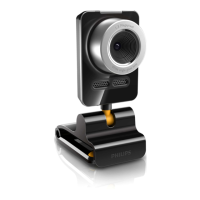
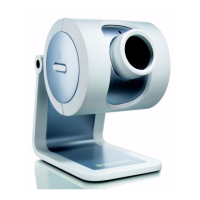
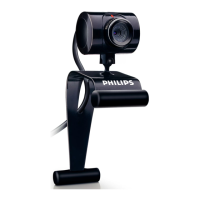
• The Philips USB PC Camera;
• Base to support the camera on (including monitor perch);
• A CD-ROM containing the Philips installation software, application software packages and electronic software manuals;
• Quick Install Guide.
Contact your supplier immediately if any item is missing.
*HWWLQJVWDUWHGLQIRXUHDV\VWHSV
The best way to quick results is as follows:
1. Unpack the box.
2. Place the Philips installation CD-ROM in your CD-ROM player, let the Philips installation program install the driver software
and the application software, and connect the camera to the USB port (marked with the USB-logo: ) when asked by the
installation program.
3. Start the central camera application VLounge using its icon
on your desktop.
4. Have fun !
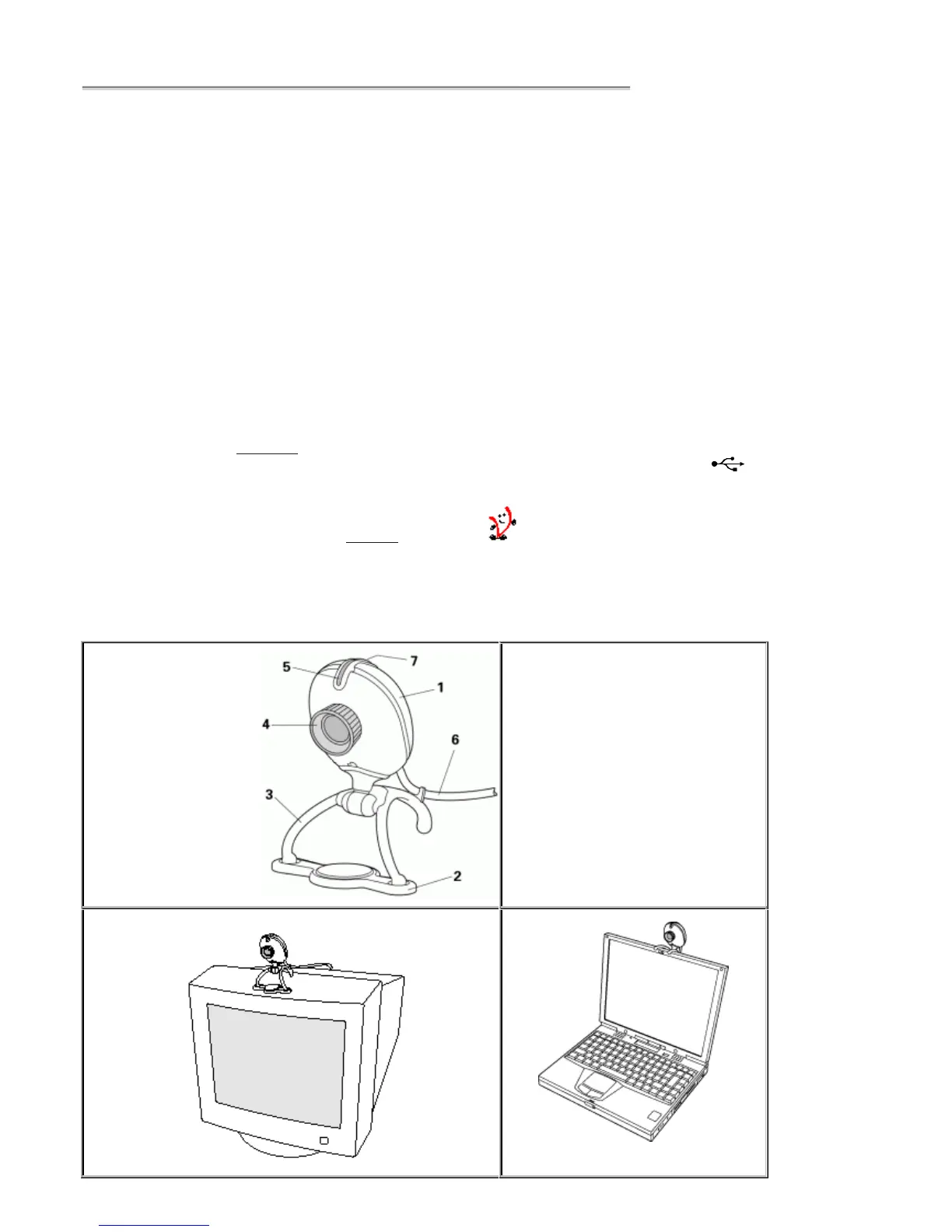
&DPHUDSDUWVDQGXVHRIWKHFDPHUDEDVHDQGSHUFK
1. Camera
2. Perch (See below for instructions)
3. Base
4. Lens ring (turn to focus the image)
5. Indicator LED
6. USB cable
7. Snapshot button
or suspend the camera from your laptop


 To Next Page