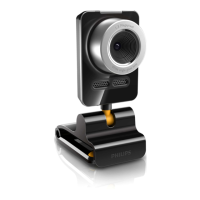
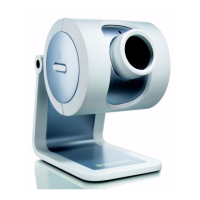
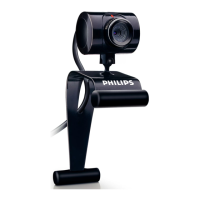
VCheck will ask you to connect the camera to the USB port at the appropriate time.
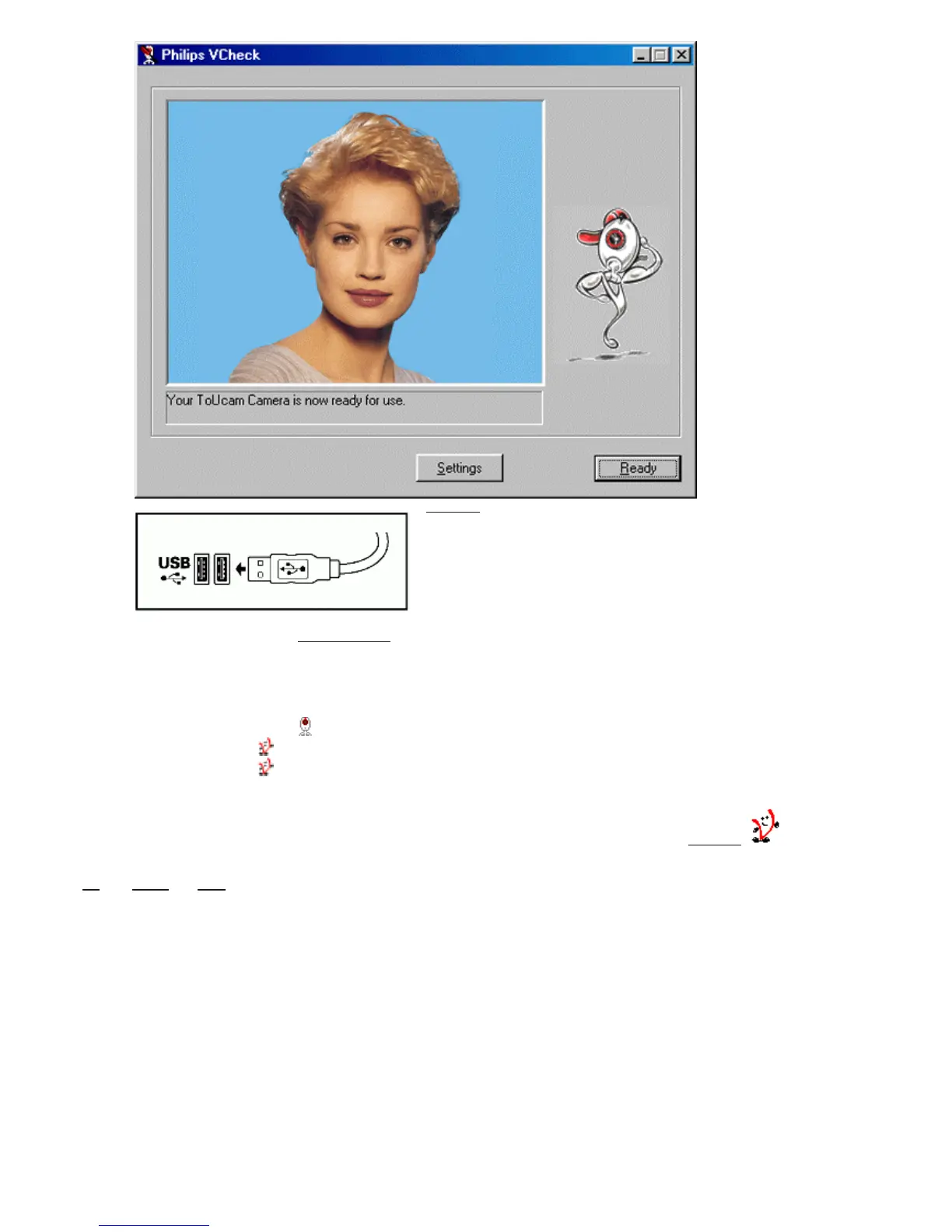
A test will then be performed. This test window confirms the correct installation by showing you the first ’live’ pictures from
your USB PC Camera. The camera settings can be shown by clicking the ’Settings’ button.
VCheck also gives tips for maximizing the camera’s performance.
7. Exit VCheck. You should now have:
- Program Group called ’Philips ToUcam Camera’ in your Windows Start menu.
- One camera settings icon on your taskbar. (VProperty)
- One VLounge icon
on the Windows QuickLaunch menu on your taskbar.
- One VLounge icon
on your desktop.
- Installed applications, as selected by the user during this installation procedure.
You are now ready to start working with your Philips USB Camera. Go to the central camera application VLounge
and... Have
fun!
8S _ +RPH
_ 1H[W


 To Next Page