19EN
Connect additional equipment
Caution
• Turn off your player before connecting to any additional equipment.
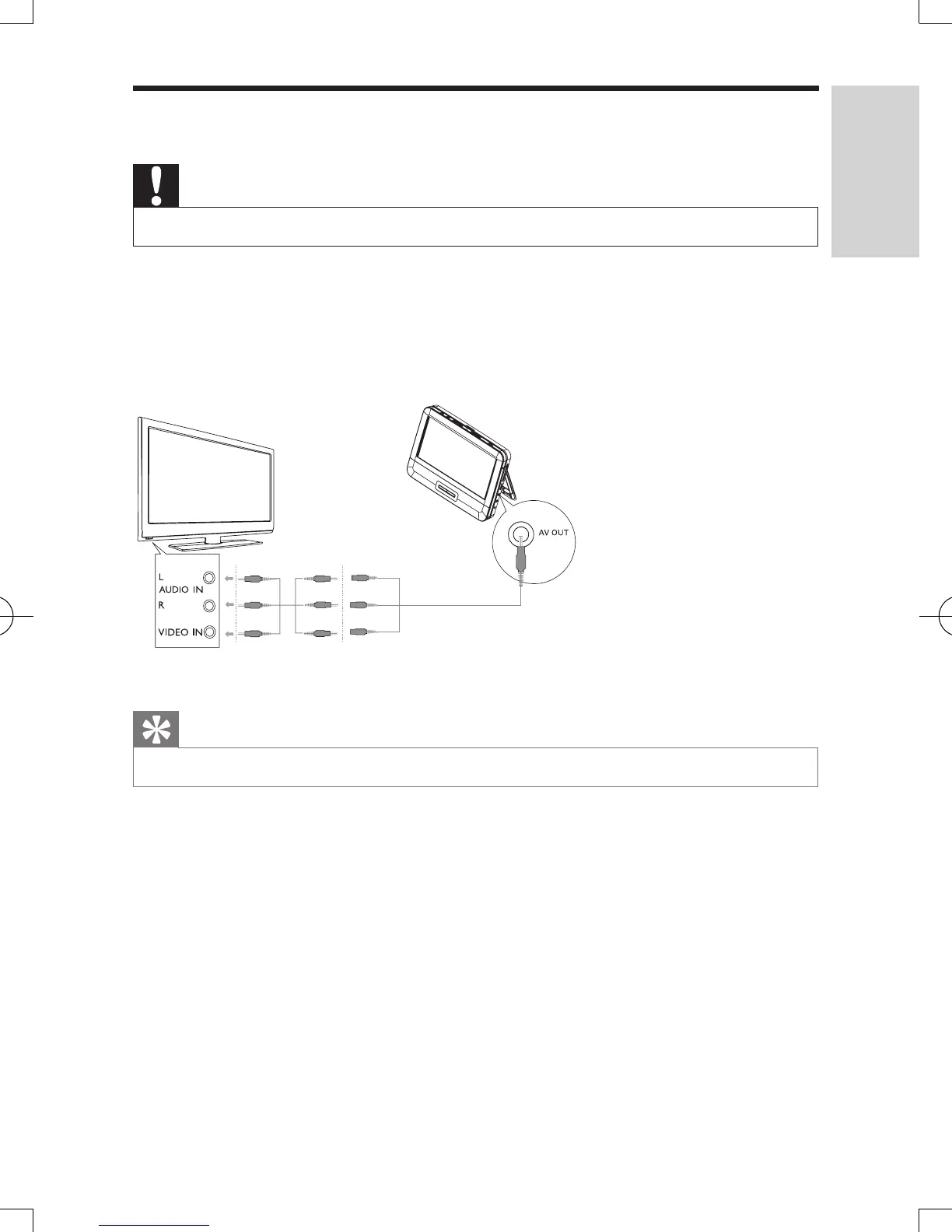
You can connect the player to a TV or an amplier to enjoy DVDs or Karaoke.
Match the color of the AV cables (the AV cable connected to TV is not supplied)
with the jacks: the yellow cable is for the yellow video jack, the red/white cable is
for the red/white audio jacks.
Tip
• To conserve energy, press AV MODE to turn off the front panel display.
not supplied
TV
English
PD7016_37_UM_MTK_V1.1.indb 19 10/15/2012 1:42:10 PM



 To Next Page