16
Connect the second screen
Caution
Turn off your player before you connect the second screen.
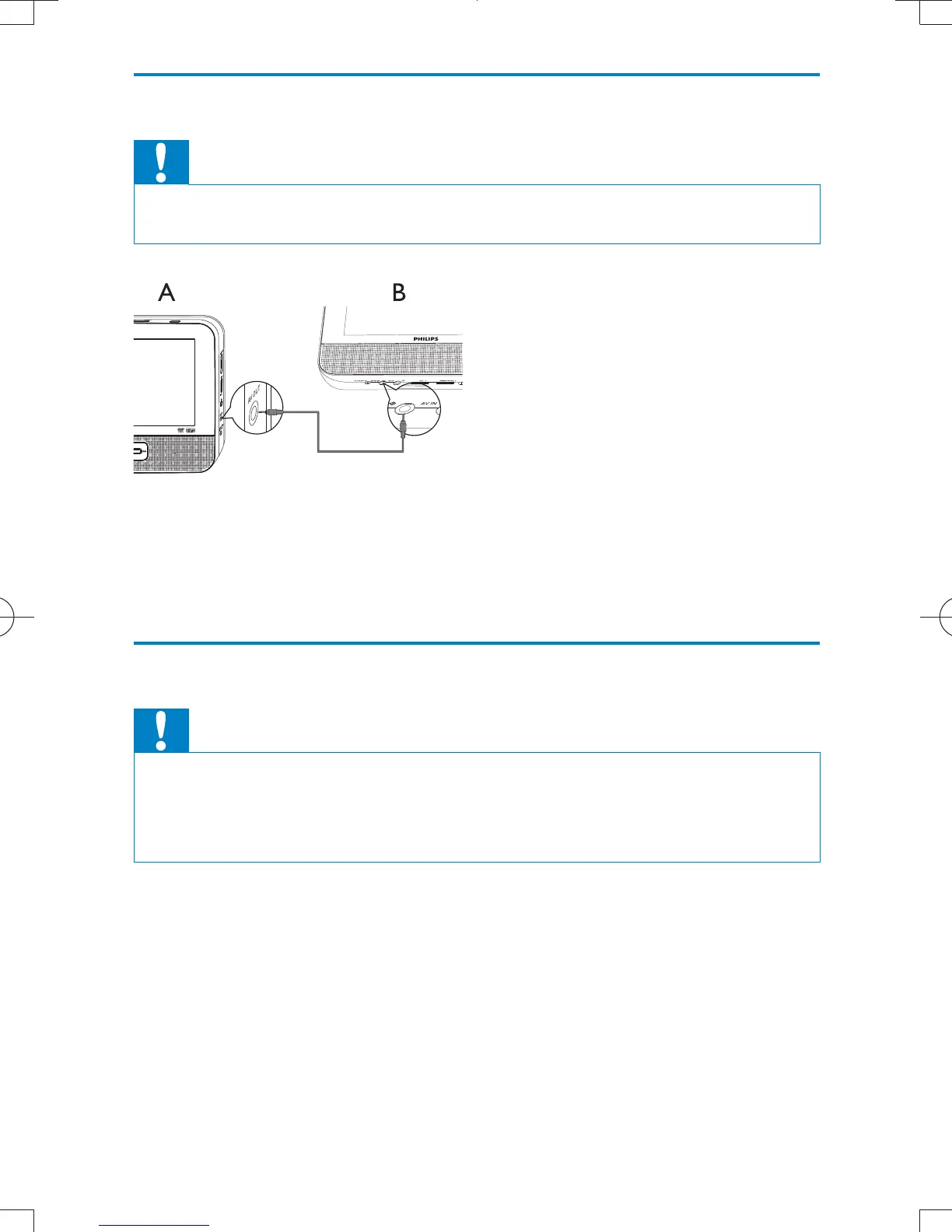
A: main unit; B: second screen
1 Connect the supplied AV cable to:
the AV OUT jack on the main unit.
the AV IN jack on the second screen.
Connect power
Caution
Risk of product damage! Ensure that the power supply voltage corresponds to the
voltage pointed on the back or the underside of the player.
Risk of electric shock! When you unplug the AC adapter, always pull the plug from
the socket. Never pull the cable.
EN
PD7012_37_UM_Sunplus_V2.0.indb 16 2011/12/13 10:32:35



 To Next Page