16
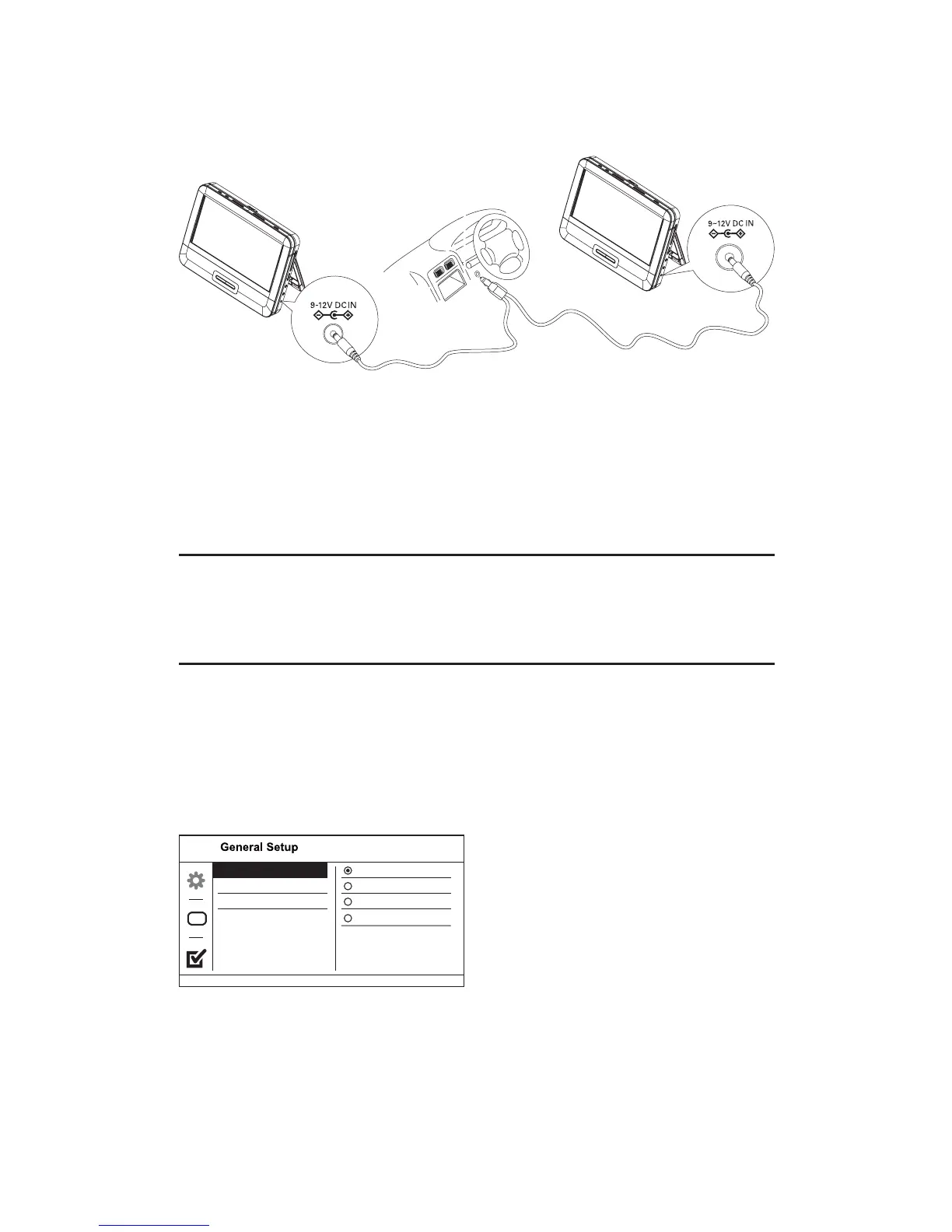
1 Connect one end of the double-connector end of the AC cable to
the DC IN jacks on the main units.
2 Connect the one-connector end to the car cigarette lighter socket.
4 Use your player
Turn on
1 Slide the POWER ON/OFF switch on the main units to the ON
position.
Select OSD language
You can choose a diffrent language for the on-screen display text.
1 Slide the DVD/AV IN switch to DVD.
2 Press SETUP.
The setup menu appears.»
Screen saver
Resume
OSD Language English
Français
Deutsch
Español
EN



 To Next Page