25EN
Caution
• Turn off your player before you connect it to any additional equipment.
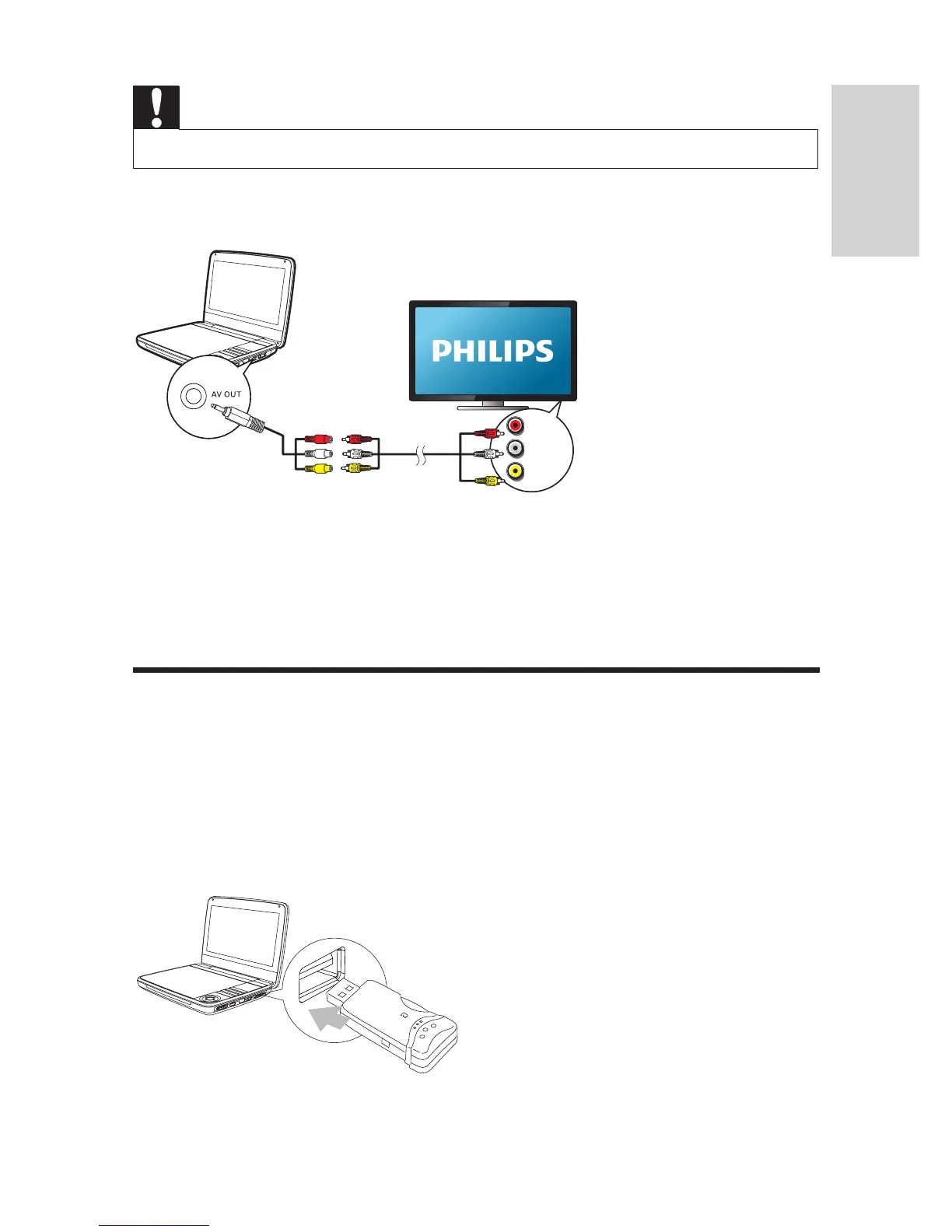
You can connect the player to a TV or an amplier to enjoy DVDs.
Match the color of the AV cables (the AV cable connected to TV is not supplied)
with the jacks:
• the yellow cable is for the yellow video jack
• the red/white cable is for the red/white audio jacks.
Play from USB
You can play DivX, VOB, MP3, or JPEG les that are stored on a USB storage
device.
1 Connect the USB device to the player.
» The content menu is displayed.
L
R
VIDEO IN



 To Next Page