GENERAL FEATURES
TIP
The repeat function is also available for JPEG. The actions may vary for dif-
ferent media being played.
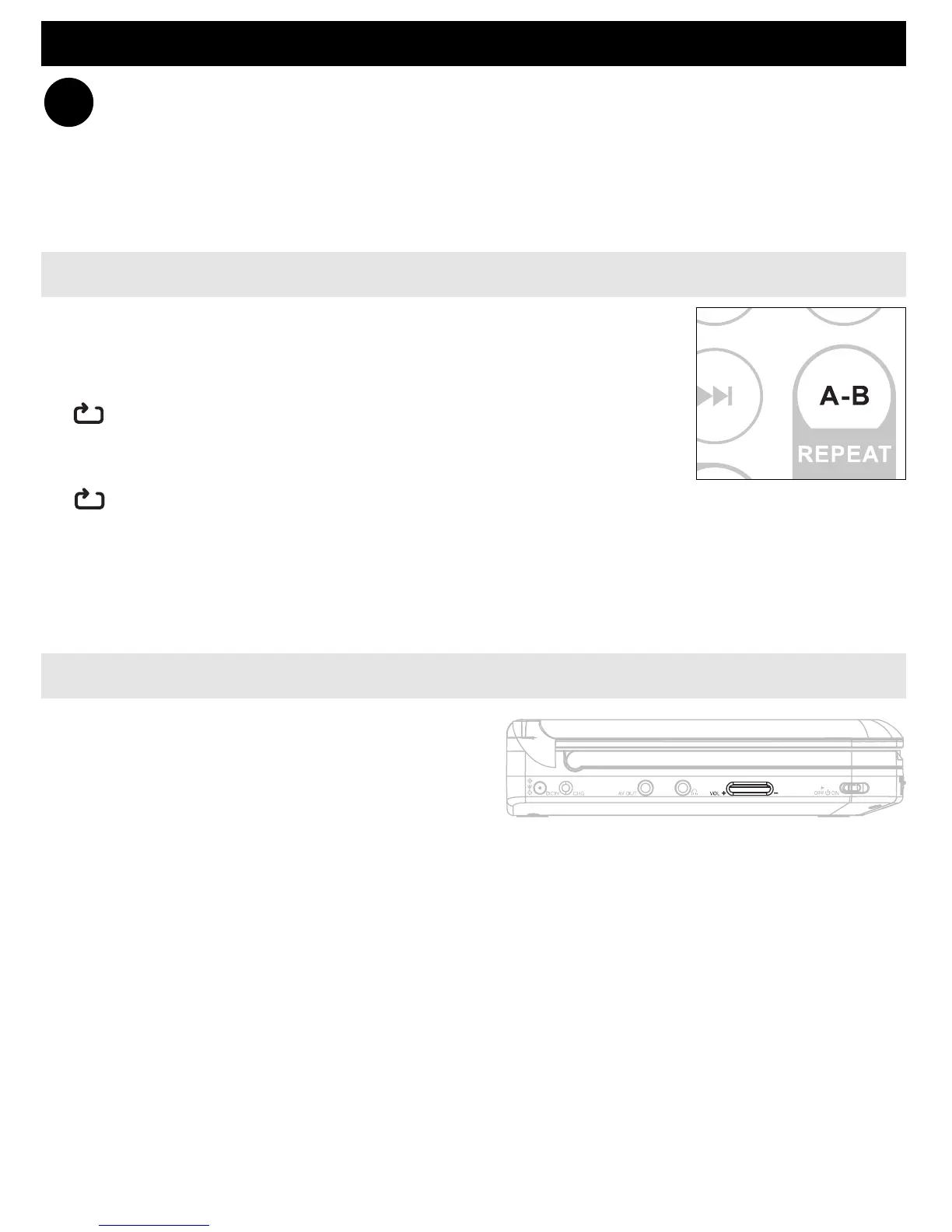
Repeat A - B
To repeat or loop a sequence in a title:
• Press A
- B at your chosen starting point;
A appears on the screen.
• Press A
- B again at your chosen end point;
AB appears on the display, and the repeat sequence
begins.
• To exit the sequence, press A
- B.
Volume Control
• Use the rotatary switch on the left side
of the unit to increase or decrease play-
back volume.
✔
PET702_37_CCR_English 2/18/08 16:15 Page 28



 To Next Page