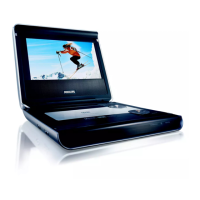
4.0 MECHANICAL INSTRUCTION
3. Up-plug the FFC from DVD driver, then
you can take out the DVD Driver.
4. Remove the flex FFC on the bottom side
behind the black
flannel
.
5. Remove 4pcs of screws on the battery
board.
Then take out the battery together with the
battery board.
Note: the battery was fixed by two side tape!
Remove 6pcs of screws on the DVD top
cabinet, you can separate the DVD top
cabinet and TFT back cabinet.


 To Next Page