EasyManua.ls Logo

Philips PM 3266 - Page 8

Philips PM 3266
274 pages
Print Icon
To Next Page IconTo Next Page
To Previous Page IconTo Previous Page
Loading...
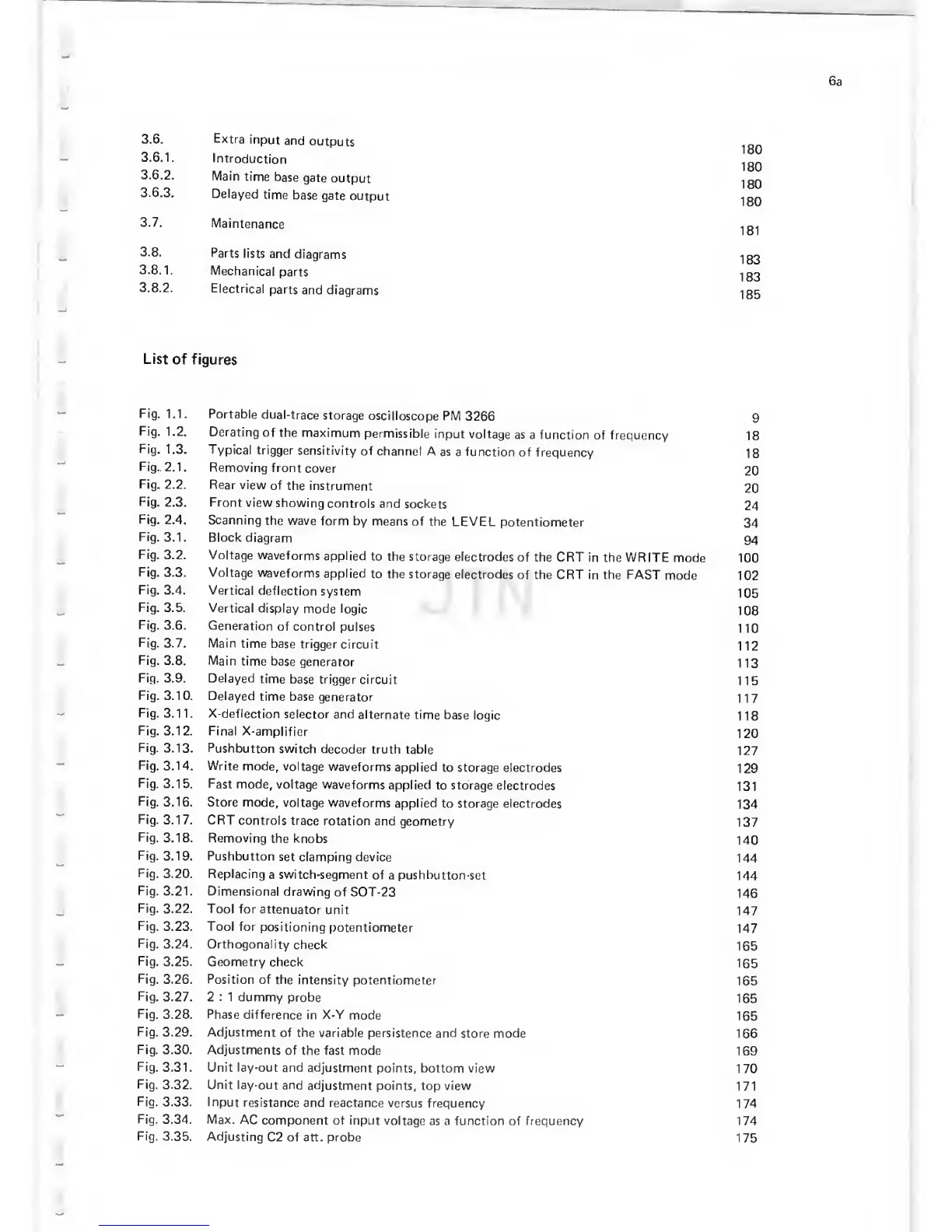
3.6.
Extra
input
and
outputs
3.6.1.
Introduction
.^gg
3.6.2.
Main
time
base
gate
output
^00
3.6.3.
Delayed
time
base
gate
output
.[00
3.7.
Maintenance
3.8.
Parts lists
and
diagrams
1g0
3.8.1.
Mechanical
parts
Igg
3.8.2.
Electrical
parts
and
diagrams
1
35
List
of
figures
Fig. 1.1.
Portable
dual-trace
storage
oscilloscope PM
3266
9
Fig.
1 .2.
Derating
of
the maximum
permissible
input voltage
as a function
of frequency
1
8
Fig.
1.3.
Typical
trigger
sensitivity
of
channel
A as
a function
of frequency
18
Fig..
2.1.
Removing
front
cover
20
Fig.
2.2. Rear
view
of
the instrument
20
Fig.
2.3. Front
view
showing
controls
and
sockets
24
Fig.
2.4. Scanning
the wave
form by
means of
the LEVEL
potentiometer
34
Fig.
3.1. Block
diagram
94
Fig.
3.2. Voltage
waveforms
applied
to the storage
electrodes
of the CRT
in the WRITE
mode
100
Fig.
3.3. Voltage
waveforms
applied
to the storage
electrodes
of the CRT in the FAST
mode 102
Fig.
3.4. Vertical
deflection
system
105
Fig.
3.5.
Vertical
display mode
logic
108
Fig.
3.6.
Generation
of
control
pulses
110
Fig.
3.7.
Main
time base
trigger
circuit
112
Fig.
3.8.
Main
time base
generator
113
Fig.
3.9. Delayed
time
base
trigger circuit
115
Fig.
3.10. Delayed
time base
generator
117
Fig.
3.11.
X-deflection
selector and
alternate
time base
logic
118
Fig.
3.12. Final
X-amplifier
120
Fig.
3.13. Pushbutton
switch decoder
truth table
127
Fig.
3.14. Write
mode,
voltage
waveforms
applied
to storage electrodes
129
Fig.
3.15.
Fast mode,
voltage
waveforms
applied to storage
electrodes
131
Fig.
3.16. Store mode,
voltage
waveforms
applied
to storage electrodes
134
Fig.
3.17. CRT
controls
trace rotation
and geometry
137
Fig.
3.18. Removing
the knobs
140
Fig. 3.19. Pushbutton
set clamping device
144
Fig.
3.20. Replacing
a switch-segment
of
a
pushbutton-set
144
Fig. 3.21.
Dimensional drawing
of SOT-23
146
Fig.
3.22. Tool
for
attenuator
unit
147
Fig.
3.23. Tool for
positioning
potentiometer
147
Fig.
3.24.
Orthogonality
check
165
Fig.
3.25.
Geometry check
165
Fig.
3.26.
Position
of
the intensity
potentiometer
165
Fig.
3.27. 2
:
1 dummy
probe
165
Fig.
3.28.
Phase
difference
in
X-Y
mode
165
Fig.
3.29. Adjustment
of the variable
persistence and
store mode
166
Fig.
3.30. Adjustments
of
the fast mode
169
Fig.
3.31.
Unit lay-out and
adjustment
points, bottom view
170
Fig.
3.32.
Unit lay-out and
adjustment
points, top view
171
Fig.
3.33. Input
resistance
and reactance
versus frequency
174
Fig.
3.34. Max.
AC
component of input
voltage
as a
function
of frequency 174
Fig.
3.35.
Adjusting
C2 of att. probe
175

Related product manuals