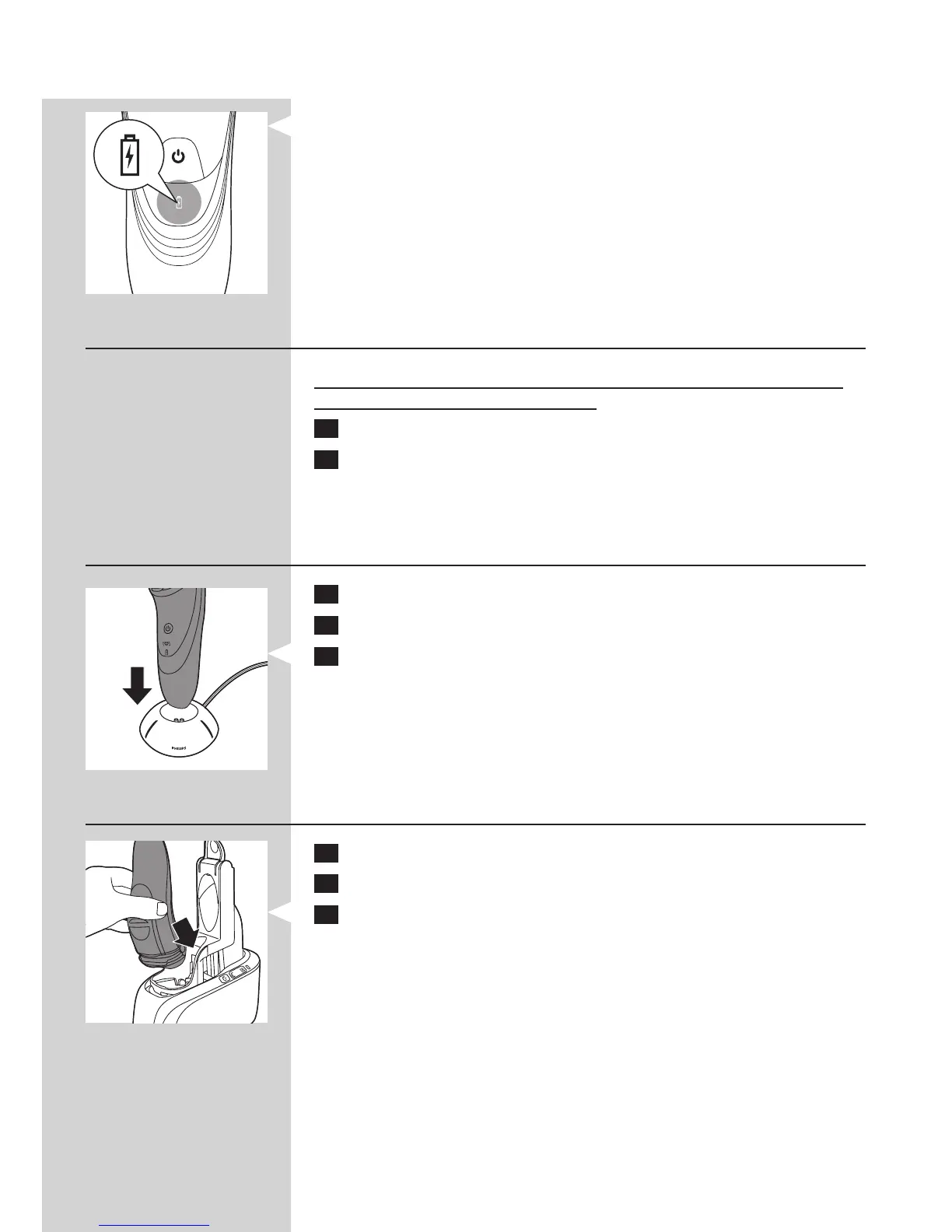
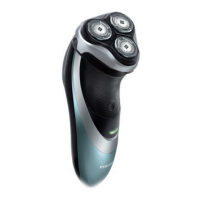
Battery fully charged
- When the battery is fully charged, the battery light lights up white
continuously.
Note: After approx. 30 minutes, the battery light goes out to save energy.
Charging with the adapter
Do not charge the shaver in a closed pouch (PT927CC/PT927/PT925/
PT923CC/PT923/PT920/PT877 only).
1 Put the small plug in the shaver.
2 Put the adapter in the wall socket.
, The battery symbol show the charging status of the shaver (see
section ‘Charge indications’ in this chapter).
Charging in the charging stand (PT927/PT925/PT923/PT920/
PT876/PT875 only)
1 Put the small plug in the charging stand.
2 Put the adapter in the wall socket.
3 Place the shaver in the charging stand.
, The battery symbol show the charging status of the shaver (see
section ‘Charge indications’ in this chapter).
Charging in the Jet Clean System (PT927CC/PT923CC only)
1 Put the small plug in the Jet Clean System.
2 Put the adapter in the wall socket.
3 Place the shaver without protection cap upside down in the shaver
holder.
Note: The shaver cannot be placed in the Jet Clean System when the protection
cap is on the shaving unit.
ENGLISH 9


 To Next Page