– 8 –
Video Monitor Operation
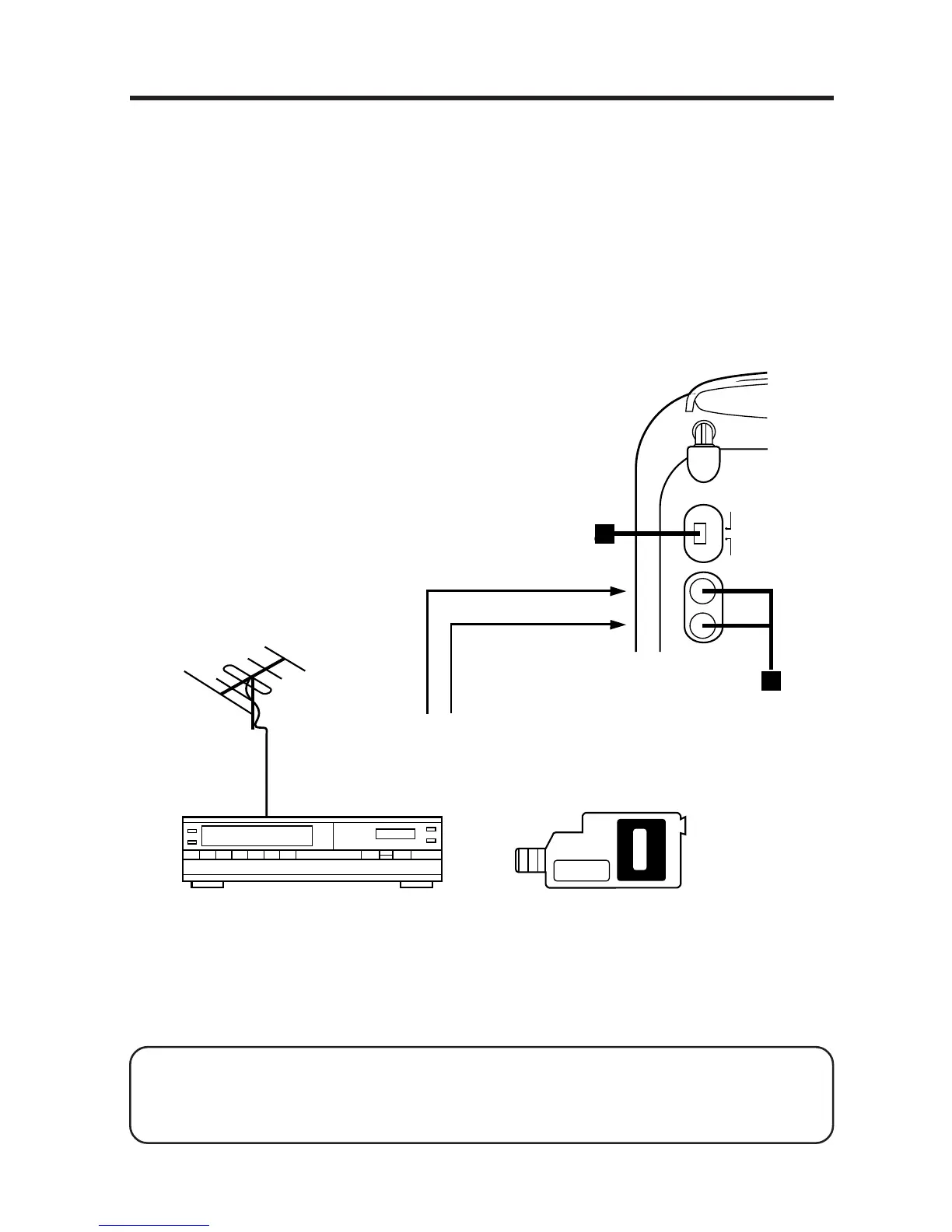
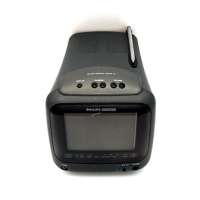
If this TV is connected to either a VCR with a tuner or a video camera,
you can use the TV as a recording monitor.
1. Connect the Audio and Video Output jacks on the VCR or video
camera to the Audio and Video Input jacks on the TV.
2. Set the TV/Video Selector to the Video position.
3. Press the Power Button to turn the TV on.
4. Start recording with the VCR or video camera.
VCR With A Tuner Video Camera
INPUT
TV
VIDEO
VIDEO
AUDIO
Rear of TV
Audio Output
Video Output
or
Audio
Input
Video
Input
2
1
or
To Watch Other TV Programs While Recording
Set the TV/Video Selector to the TV position, then follow the instruc-
tions shown in How To Work Your TV.
Please read the VCR or video camera manuals carefully when con-
necting the products with other equipment.
Please turn off the power to each piece of equipment before connecting.


 To Next Page