English
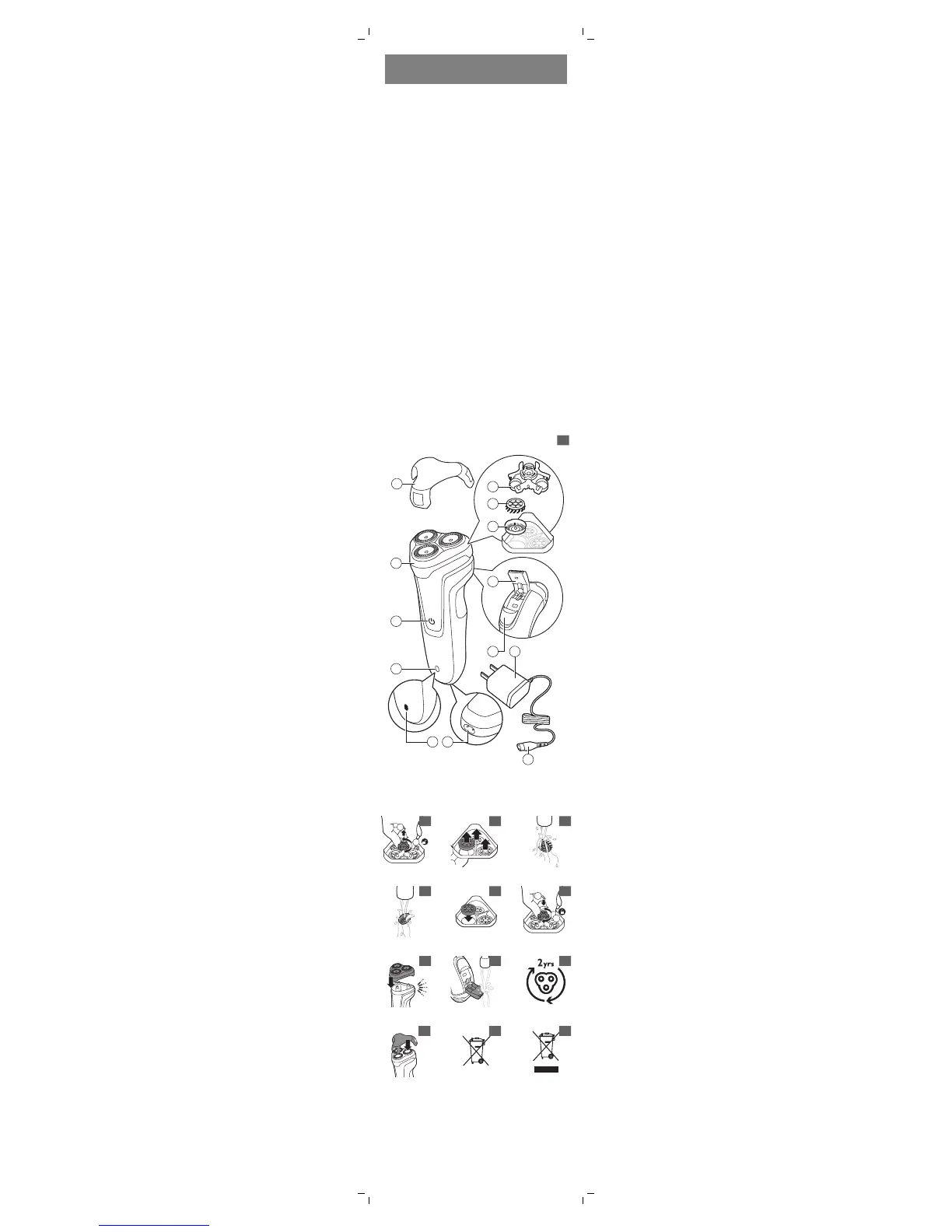
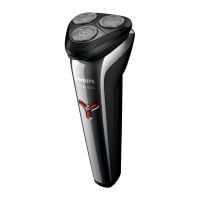
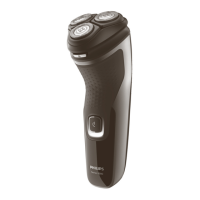
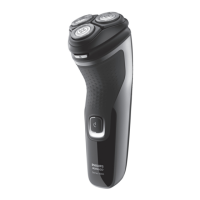
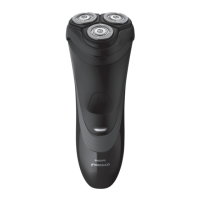
General description (Fig. 1)
1 Protection cap
2 Shaving unit
3 On/off button
4 Charging light (S1070)
5 Charging light (S1030)
6 Socket for small plug
7 Retaining frame
8 Cutter
9 Guard
10 Pop-up trimmer (S1070 only)
11 Trimmer release slide (S1070 only)
12 Supply unit
13 Small plug
Note: You can find the type number
on the back of the shaver.
Introduction
Congratulations on your purchase
and welcome to Philips! To fully
benefit from the support that Philips
offers, register your product at
www.philips.com/welcome.



 To Next Page