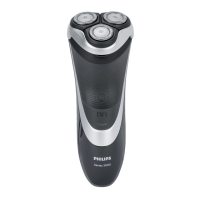
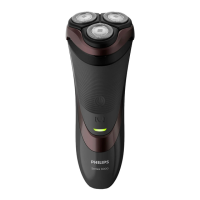
2 Move the shaving heads over your skin in
circular movements.
3 After shaving, switch off the appliance.
4 Clean the appliance (see chapter ‘Cleaning and
maintenance’).
Trimming (S3580, S3540, S3530, S3520, S3510 only)
You can use the trimmer to groom your sideburns
and moustache.
1 Push the trimmer release slide downwards to
open the trimmer.
2 Switch on the appliance.
- You can now start trimming.
3 After trimming, switch off the appliance.
4 Clean the trimmer (see chapter ‘Cleaning and
maintenance’).
5 Close the trimmer (‘click’).
Trimming with click-on stubble cap (S3520, S3510 only)
You can use the click-on stubble cap to trim your
beard to a length of a 3 day beard or to maintain a
1mm stubble look.
- For best trimming results with the click-on
stubble cap, hair and skin should be dry.
- The maximum beard length for using the click-on
13
English



 To Next Page