FAQs and Troubleshooting & repair
Is my phone compatible with the Philips GroomTribe App?
You can download the Philips GroomTribe App to your phone to use it with your Philips Shaver
S7000. The app is compatible with iPhone 6S (or higher) that runs on iOS 11.3 or higher. It can
also be used on android phones bigger than 4.5 inches (11.43 cm), with OS version 6.0 or higher
and Bluetooth version 4.1 or higher.
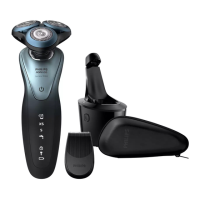
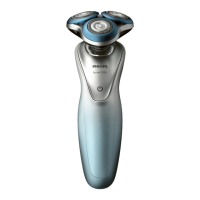
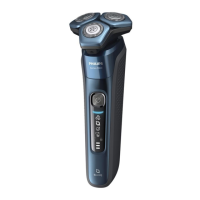
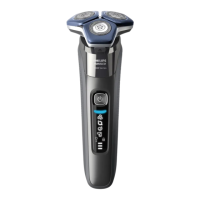
What do the symbols on my Philips S9000 Shaver mean?
This article contains information about two versions of the latest models of the S9000 shaver. To
see which version you have, the alpha character A or B will follow the / symbol. Please check
the back of your shaver as described in the image below.
If you want to know what the symbols and indicator lights on your Philips S9000 Shaver mean,
please find an explanation of each symbol below.
Note: The images below only apply to the latest S9000 Shaver models. If you own an older
S9000 model or another shaver series, please visit our other articles.
Model A/Main menu (shaver turned off)

 Need help?
 General



 To Next Page