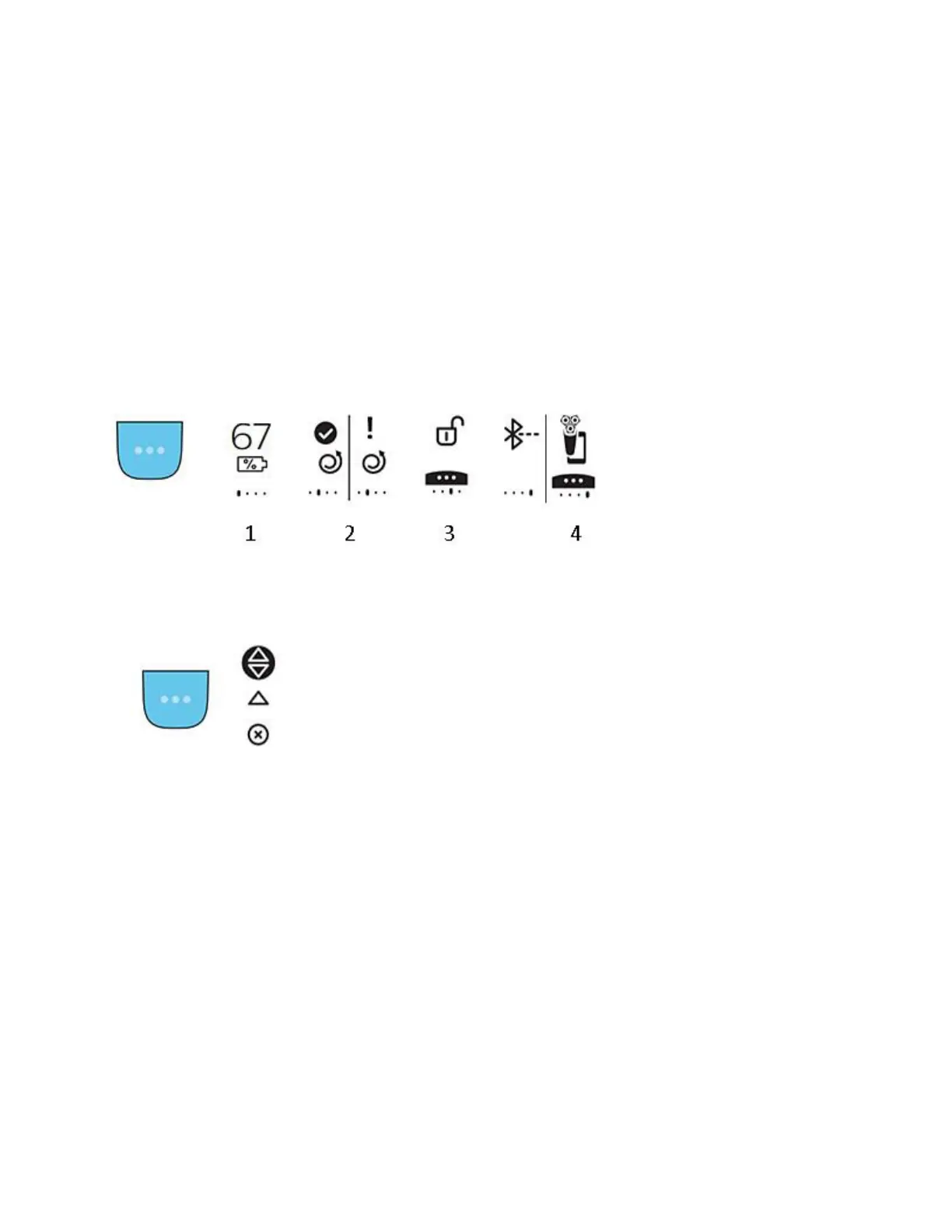
When your shaver is turned off, you can use the main menu button (icon with three dots) to
navigate through four menu items. These items are listed below, with numbers corresponding to
the illustrations provided.
1. Battery: the current battery level of your shaver is shown on the display.
2. Motion feedback: the motion feedback score from your last shave is shown on the
display.
3. Travel lock: whether or not the travel lock is turned on is shown on the display. Turn it
on or off by holding the menu button for 3 seconds.
4. Bluetooth pairing: this icon indicates the Bluetooth pairing status of your shaver.
Note: The icons mentioned above are only visible when the shaver is turned off.
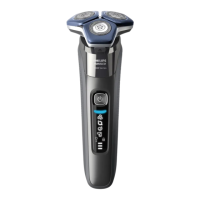
Model A/Main menu (shaver turned on)
When your shaver is turned on, pressing the main menu button allows you to switch between the
three Pressure Guard sensor settings. Depending on your chosen setting, the light ring on your
shaver will provide full pressure feedback, partial pressure feedback or no pressure feedback.
Model A/Post-shave feedback
If activated via the app on your mobile device, your shaver handle can provide you with
feedback on your motion and pressure after each shave. The feedback is provided in the
following format, with numbers corresponding to the illustrations below:
1. A sufficient number of circular motions were made with the shaver and the pressure
applied was also correct.
2. More attention should be paid to making circular motions with the shaver when shaving.
3. The following 2 icons will appear in your post shaving feedback, if you apply too little
pressure (first image) or too much pressure when shaving (second image).
Note: pressure feedback is also provided during your shave by your shaver's light ring (if
enabled) and additional detailed feedback can be found in the app.





 To Next Page