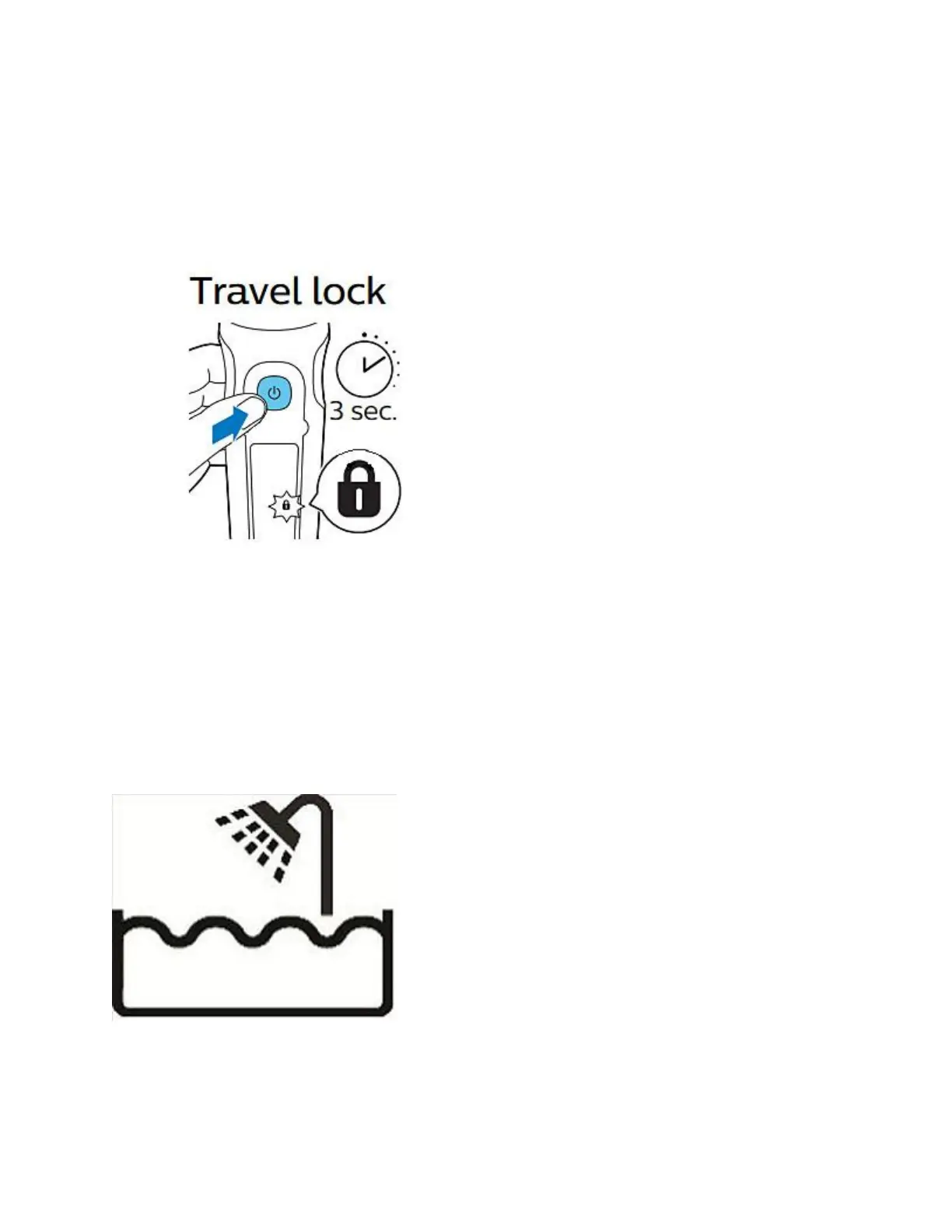
Some Philips Shavers have a 'travel lock' function. If this is activated, the shaver does not turn
on. Depending on the shaver model you have, you may see a 'lock' symbol blinking on your
shaver to let you know that the travel lock is activated.
To deactivate the travel lock, press the on/off button of your shaver for three to five seconds.
Now try turning the shaver on again.
Your Philips Shaver is damaged
It is possible that your Philips Shaver is damaged to such an extent that the motor cannot run
anymore. In this case, please contact us to see how we can further help.
Your Philips Shaver is plugged into the mains
Wet and dry models of Philips Shavers will not operate if they are plugged into the mains. These
types of shavers can be used in the shower and have a shower icon on the handle. For safety
reasons, they only work when they are not connected to the mains.
My Philips Shaver is not turning on





 To Next Page