33
English
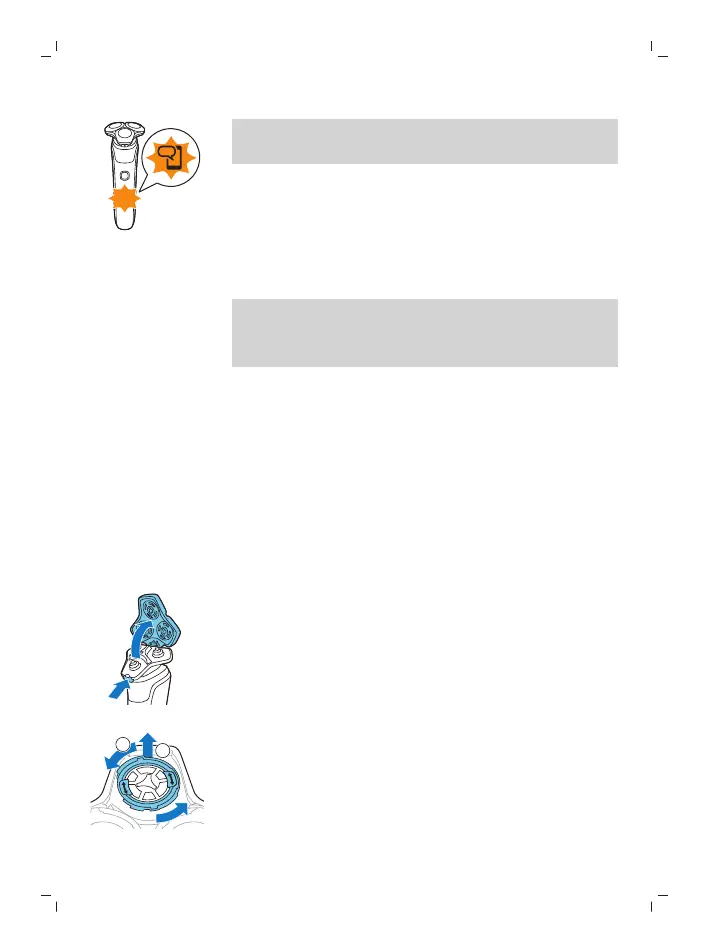
Note: Unpairing is successful when the
notification symbol lights up 4 times briefly.
Unpair your smartphone:
1 Go to the settings on your smartphone and
select Bluetooth.
2 Tap on the name of the shaver.
3 Tap 'forget' or 'unpair'.
Note: The unpairing procedure may vary by
smartphone. Please check your smartphone
manual for more information.
How do I replace the shaving heads?
For maximum shaving performance, replace the
shaving heads once a year. Replace damaged
shaving heads immediately.
Always replace the shaving heads with original
Philips Norelco shaving heads (see 'Accessories').
Replacing the shaving heads
1 Switch off the shaver.
2 Press the release button on the shaving unit
and pull the shaving head holder off the
shaving unit.
3 Turn the retaining rings counterclockwise and
remove them. Place them aside in a safe place.




 To Next Page